What a touch screen kiosk actually is
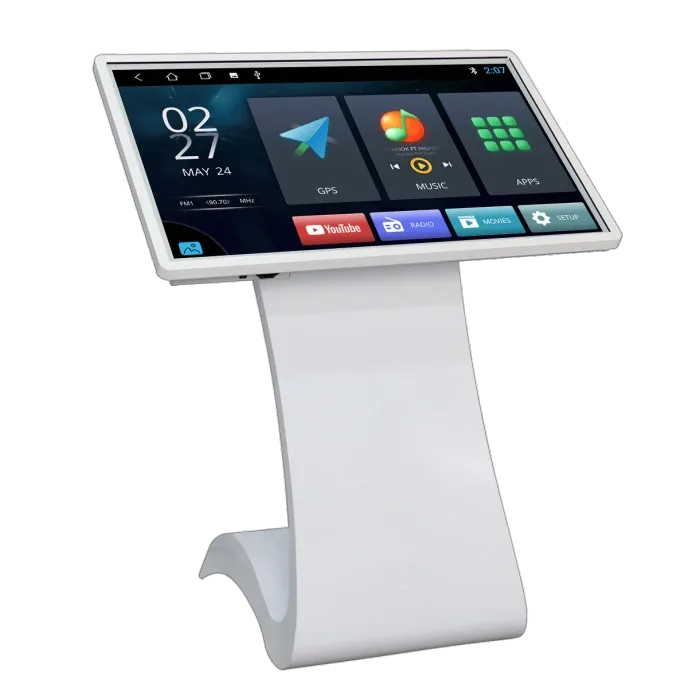
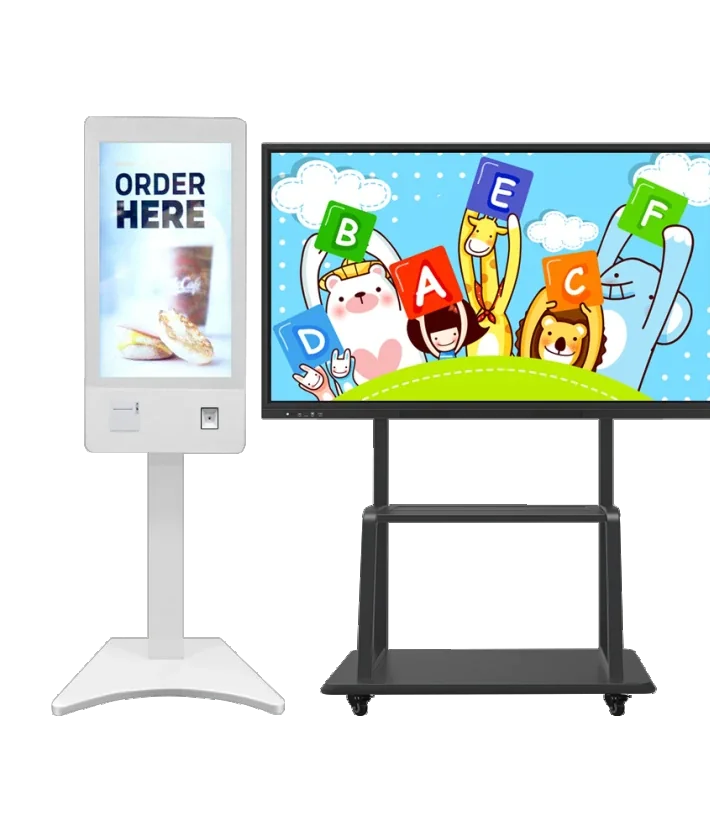
A touch screen kiosk is a self-service terminal that combines a commercial display, a touch layer, a player or computer, and a protective enclosure. It is not a tablet on a stand. The enclosure, touch technology, player and service access are selected together because the kiosk is expected to work in a public space, often for many hours a day.
The first question is not screen size. It is what the visitor must complete: find a location, check in, order, pay, print a ticket or collect an item. That task decides the software, the peripherals and the kiosk height. A kiosk that looks right but makes the task slower will be bypassed.
Capacitive vs infrared touch
Both technologies work, but they fail in different conditions. Capacitive touch uses a transparent sensor layer and responds to a finger. Infrared touch uses a grid of light beams around the glass. The right choice depends on who touches the screen, whether gloves are used, how much dust or sunlight is present, and whether the glass must be thick for security.
| Technology | How it works | Best for | Watch-outs |
|---|---|---|---|
| Capacitive | Finger touch on a glass layer | Indoor self-service, wayfinding | Gloves, thick glass, wet hands |
| Infrared | Beam grid around the glass | Large screens, gloves, outdoor enclosures | Dust, sunlight, bezel depth |
For indoor retail, hospital check-in or a lobby directory, capacitive touch is usually the cleaner experience. For a large outdoor wayfinding kiosk where users may wear gloves, infrared can be more practical, provided the enclosure manages dust and direct sun. Test the actual touch surface with the actual user group before approving the sample.
Kiosk formats and screen sizes
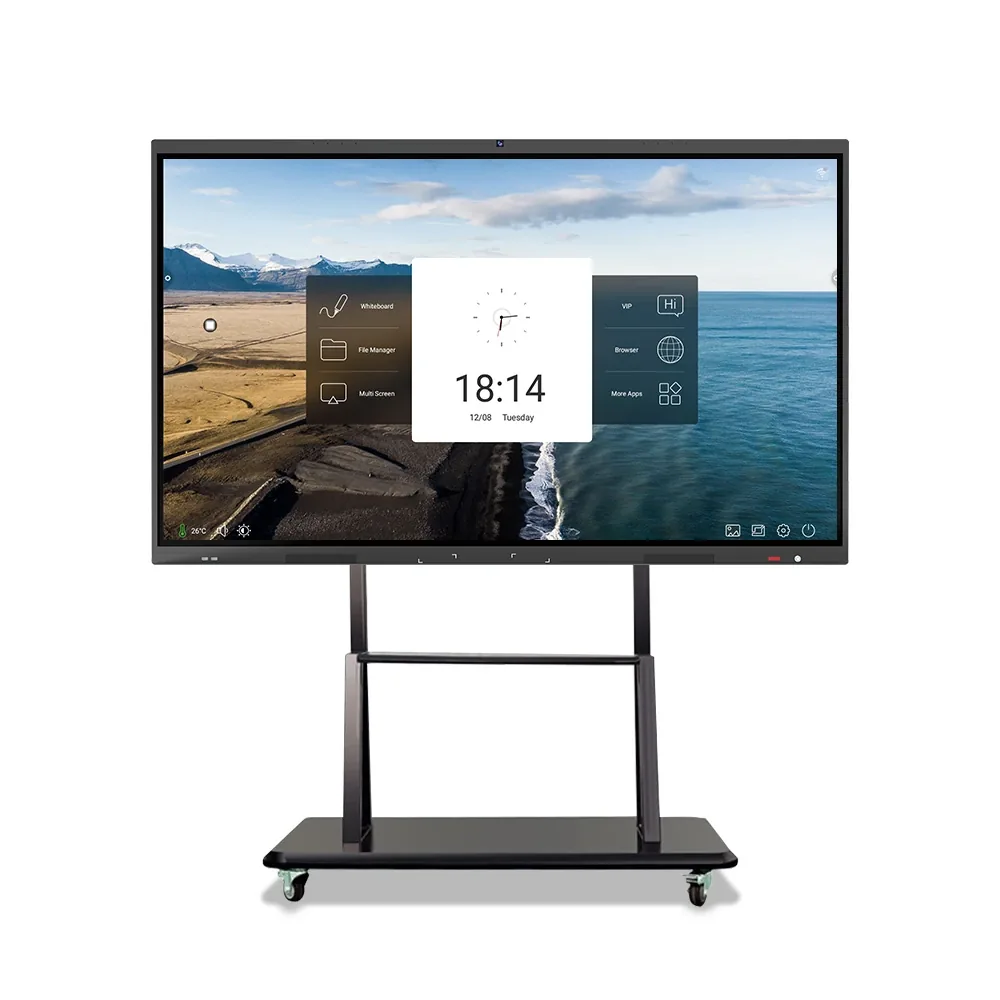
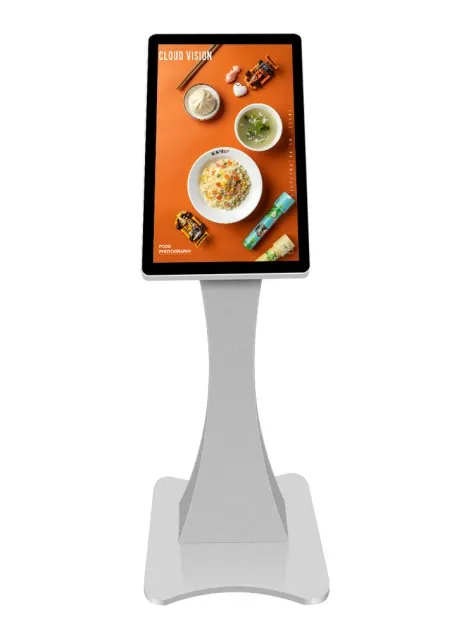
Kiosks are supplied as countertop units, floor-standing totems, wall-mounted terminals and outdoor cabinets. The format changes the footprint, the reach height and the service access. Our touch range covers 21.5–65 inch models; the right size follows the task and the viewing distance, not the largest panel available.
| Format | Typical use | Check before quoting |
|---|---|---|
| Countertop | Retail, clinic check-in | Height and stability |
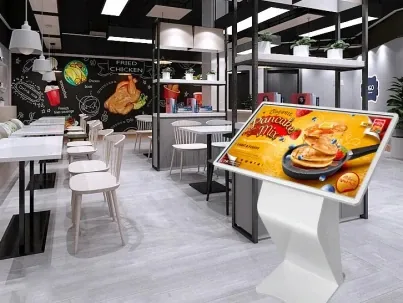
| Floor-standing | Lobby, mall, airport | Floor space and cable route |
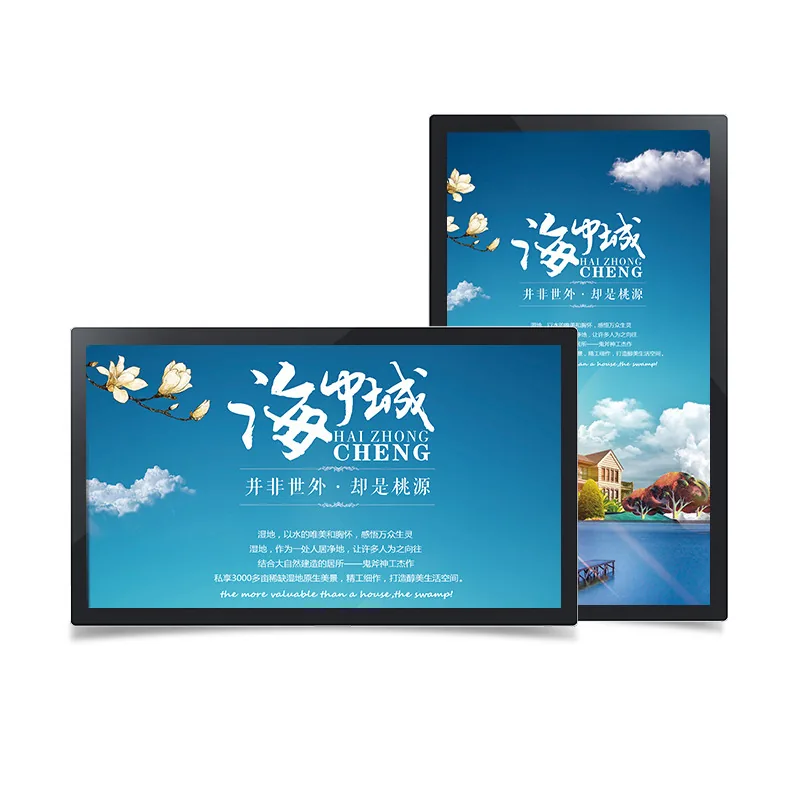
| Wall-mounted | Corridor, hospital | Reach height and wall load |
| Outdoor | Transit, street | IP rating, cooling, sunlight |
A countertop kiosk is compact but needs a secure base and a short cable run. A floor-standing unit is easier to position but takes queue space and must be stable. A wall-mounted terminal saves floor space but can be hard to reach for shorter users or wheelchair users. An outdoor cabinet adds weather protection, thermal management and a heavier service plan.
Indoor, window-facing or outdoor
Indoor kiosks are usually specified by screen size, touch technology and enclosure finish. A window-facing kiosk needs higher brightness and anti-glare treatment because the user stands in a darker interior while the screen faces daylight. An outdoor kiosk needs an IP-rated enclosure, cooling, condensation control and a display that remains readable in direct sun.
Do not solve a sunlight problem by turning up the image brightness on an indoor panel. It can wash out colours, raise heat and shorten panel life. Specify the light condition and the enclosure together, then confirm the screen and the cooling method as one system.
Player, software and integration
The player can be an Android board, a Windows computer or a built-in media player. Android is usually enough for wayfinding, catalogues, queuing displays and simple self-service forms. Windows is relevant when the kiosk must run desktop software, a specific browser plug-in, a legacy POS client or local device drivers.
Integration is the part most likely to delay a project. If the kiosk must talk to a booking system, queue system, POS, printer, scanner or payment terminal, specify the interface, the protocol and who tests it. Ask what happens when the network is down and how staff restart the kiosk without opening the enclosure. A demo that only loops a video does not prove the integration.
Accessibility, security and service access
A public kiosk must be usable by people of different heights and abilities. Check the reach range, the viewing angle, the contrast of the interface and whether audio or a headphone jack is needed. For accessibility, the physical height is as important as the software layout.
Security is more than a lock. The enclosure should protect the screen and the player, hide the cables and allow service without exposing live components. For high-traffic sites, ask about the lock type, the glass specification, the spare-parts list and the remote monitoring method. A kiosk that needs a technician visit for every paper jam or network drop is expensive to operate.
What drives touch kiosk cost
The cost is a combination of screen size and grade, touch technology, player platform, enclosure, weather protection, peripherals, software integration, installation and the number of sites. A 21.5-inch countertop kiosk and a 55-inch outdoor wayfinding cabinet are different projects even if both are called touch kiosks.
Ask for a quotation that separates the display, player, touch layer, enclosure, peripherals, software and installation. For a rollout, ask for the per-site configuration and the spare-parts list. That structure makes it clear which part changes when the kiosk moves outdoors or a second site is added.
From kiosk brief to a model list
Send the use case, a photo of the location, the user group, the screen size or range, indoor or outdoor placement, touch requirement, player preference and any systems the kiosk must connect to. Add the destination country and whether the kiosk will be installed by your team or a local contractor.
The reply should list exact models, touch technology, player, enclosure, key dimensions, interface options and the items still to be confirmed. Use the links below to open the kiosk product family, compare a model drawing or send the inquiry.