
Corporate
Corporate & Office
Corporate sites combine brand presentation with daily operations: a lobby display for visitors, interactive panels for meeting rooms, and a video wall for control rooms or briefing centres. Each surface has a different content owner and update rhythm.
Last reviewed:
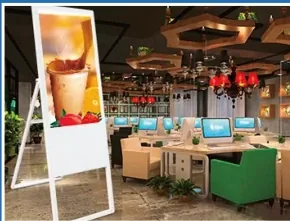
What the environment demands
Start with the constraints.
- Visitors see the lobby screen before they meet anyone; stale or wrong content damages credibility.
- Meeting rooms need a display that works with the software the team already uses, not a new ecosystem.
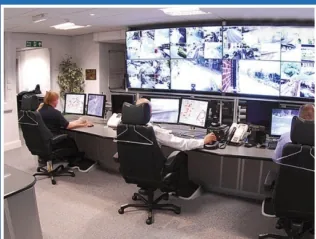
- Control rooms and briefing centres need multiple sources, windows and 24/7 operation.
- IT and facilities teams need remote management, clear ownership and a service route.
How we configure it
Then fix the display configuration.
- Keep the lobby screen on a scheduled brand loop with a simple owner and a weekly review.
- Specify meeting-room panels by software first: Android for built-in whiteboard and casting, Windows or dual system for desktop tools.
- For video walls, confirm sources, window layout and processor before choosing panel count.
- Use a lockable player enclosure and remote monitoring for unattended public areas.
What a good deployment changes
What changes when the configuration is right.
A single brand loop replaces printed signage and ad-hoc slides.
Meeting rooms start in the tool the team already knows.
Control-room operators see the sources they need without swapping cables.
IT can monitor player health and push updates remotely.
Recommended display types
Display families for this application
| Recommended family | Screen size | Brightness | Installation |
|---|---|---|---|
| Wall-Mounted Digital Signage | 21.5–65 inch | 250–700 cd/m² | Wall bracket / recess |
| Interactive Flat Panels | 55–86 inch | 350 cd/m² | — |
| LCD Video Walls | 46–55 inch | 500 / 700 cd/m² | — |
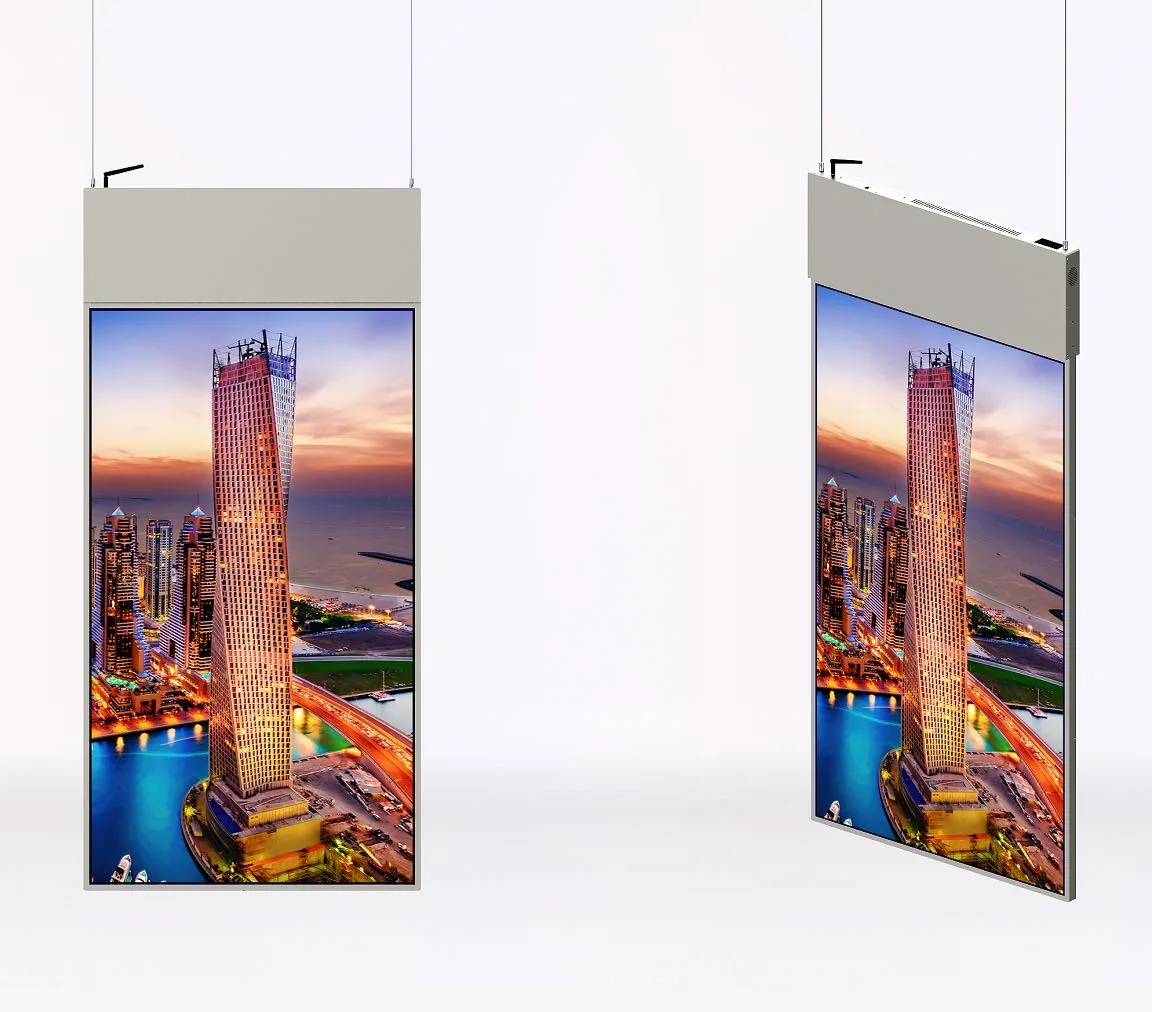
| Double-Sided Hanging Displays | 32–55 inch | 350+350 to 400/700 cd/m² | — |
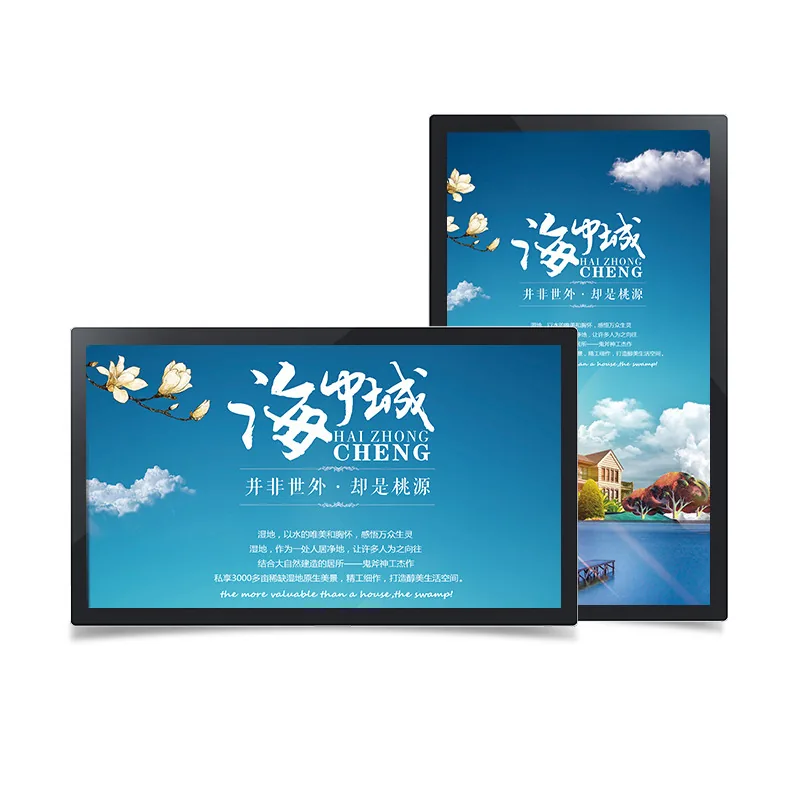
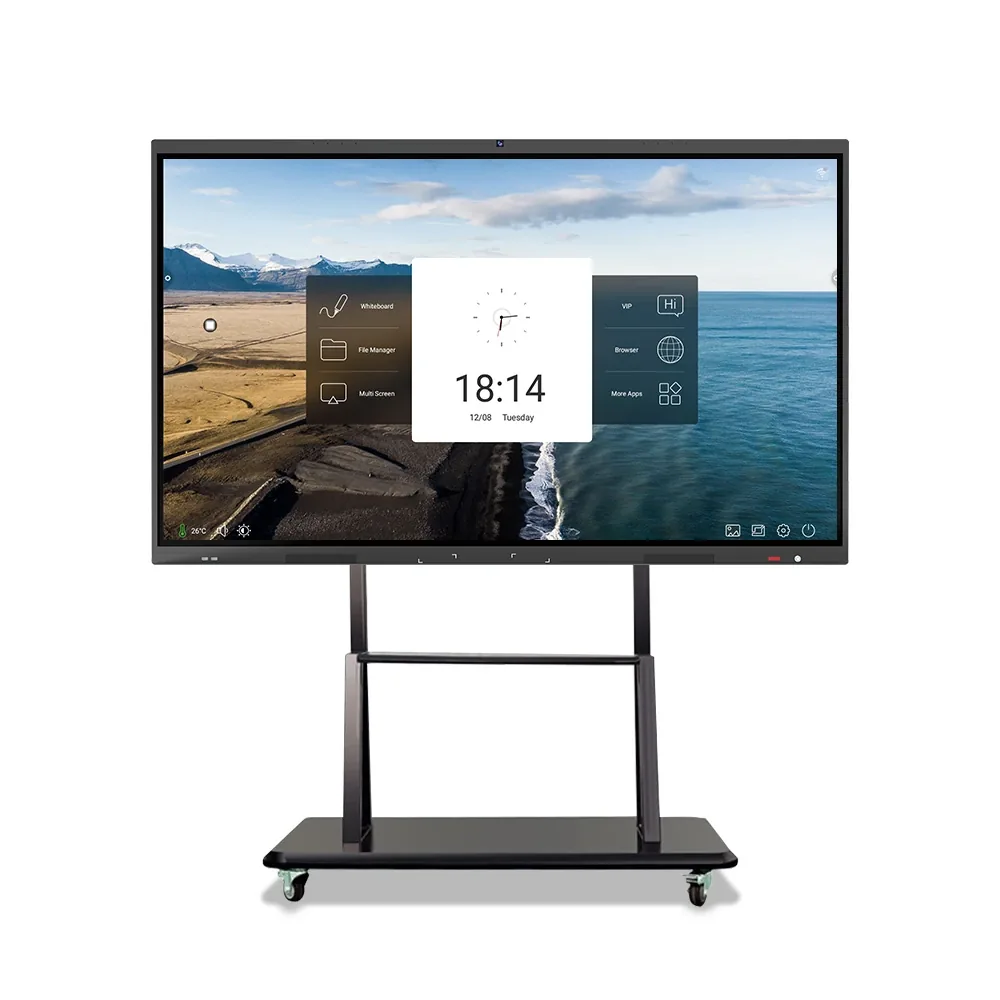
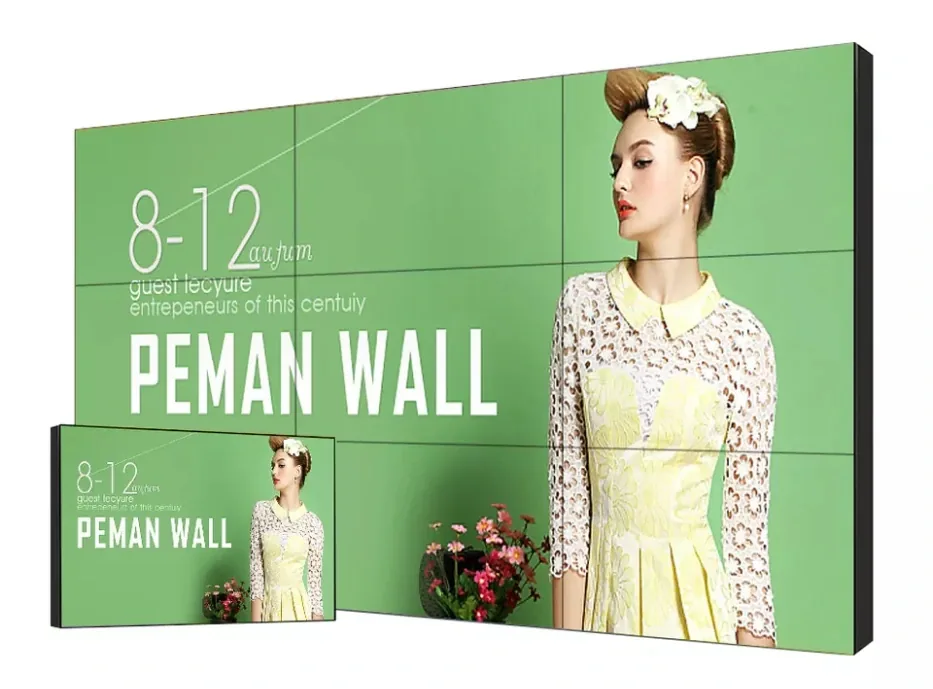
Site references
Typical views from this application.
Frequently asked questions
Questions buyers ask about this application
What display should go in a reception lobby?
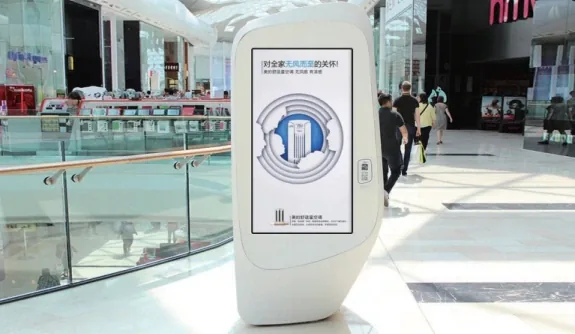
A wall-mounted display sized to the viewing distance, usually 55–65 inch, with a scheduled brand and wayfinding loop. If the wall is glazed or unavailable, use a hanging or floor-standing format. Keep the content owner and review rhythm simple, or the screen will drift out of date.
Should meeting rooms use Android or Windows panels?
Choose by the software. Android is enough for built-in whiteboard, wireless casting and browser content. If the team runs desktop applications, drivers or a specific video-conference client, specify Windows or dual system. Test the actual application before the room is built.
How many panels does a control-room wall need?
Start from the number of sources and the window layout, not from the wall size. A 2×2 wall gives four tiles for four sources; a larger wall needs a processor and a clear operating concept. Provide the source list, resolution and the operator’s viewing distance.
Can IT manage the screens remotely?
Android and Windows players can be managed remotely when they are on the corporate network and the CMS supports it. Confirm the network segmentation, the update policy and the player’s recovery behaviour before deployment. For sensitive areas, keep a local admin account and a documented recovery procedure.
Planning a site rollout?
Send the floor plan, mounting points and campaign schedule. We will turn them into a display list and content zones.