
Menu board solutions
Digital menu boards for restaurants and cafés
A menu board is not a printed menu enlarged. It should match the ordering flow, viewing distance, price-update routine and store network. Choose the format first, then brightness, size and playback.
- 43–55 inch is the common starting range for restaurants and cafés; 21.5–32 inch can suit a counter.
- Indoor menu boards are typically 350–700 cd/m²; a sunlit window or outdoor position may need 1,500–3,500 cd/m².
- Wall-mounted suits a solid wall; hanging suits a glazed window; floor-standing suits sites without a usable wall or with moving positions.
- Use a network CMS for multiple stores; USB/SD standalone playback suits a single site with no network and fixed content.
Formats
Three common formats
Choose the format from the store layout and ordering flow. Size and panel model are confirmed on the quotation.
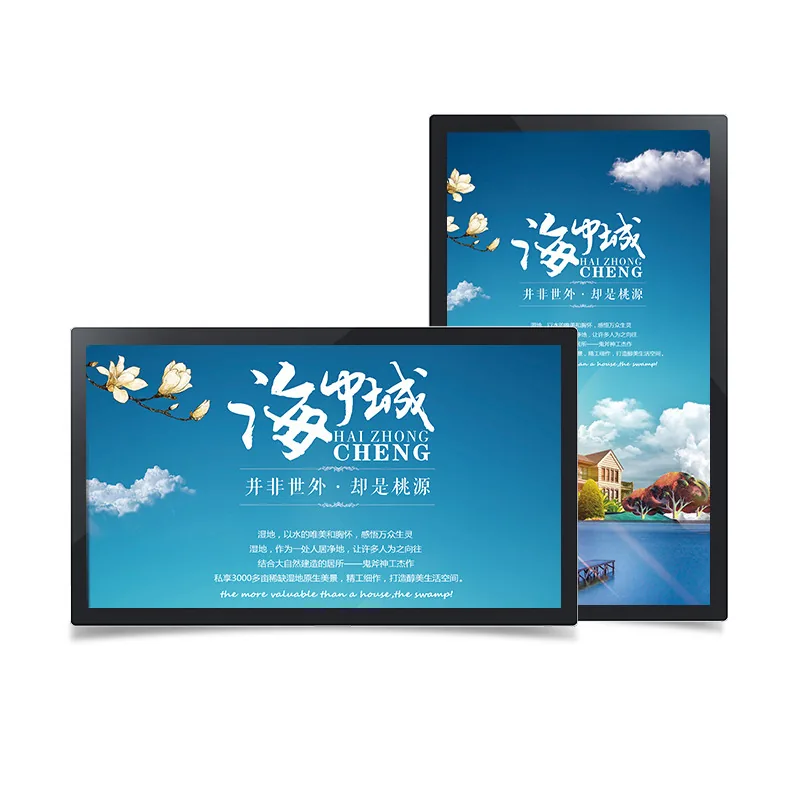
Wall-mounted family
Wall-mounted menu board
For solid walls, back counters and collection areas; saves floor space, but recess depth must be checked.
View familyHanging family
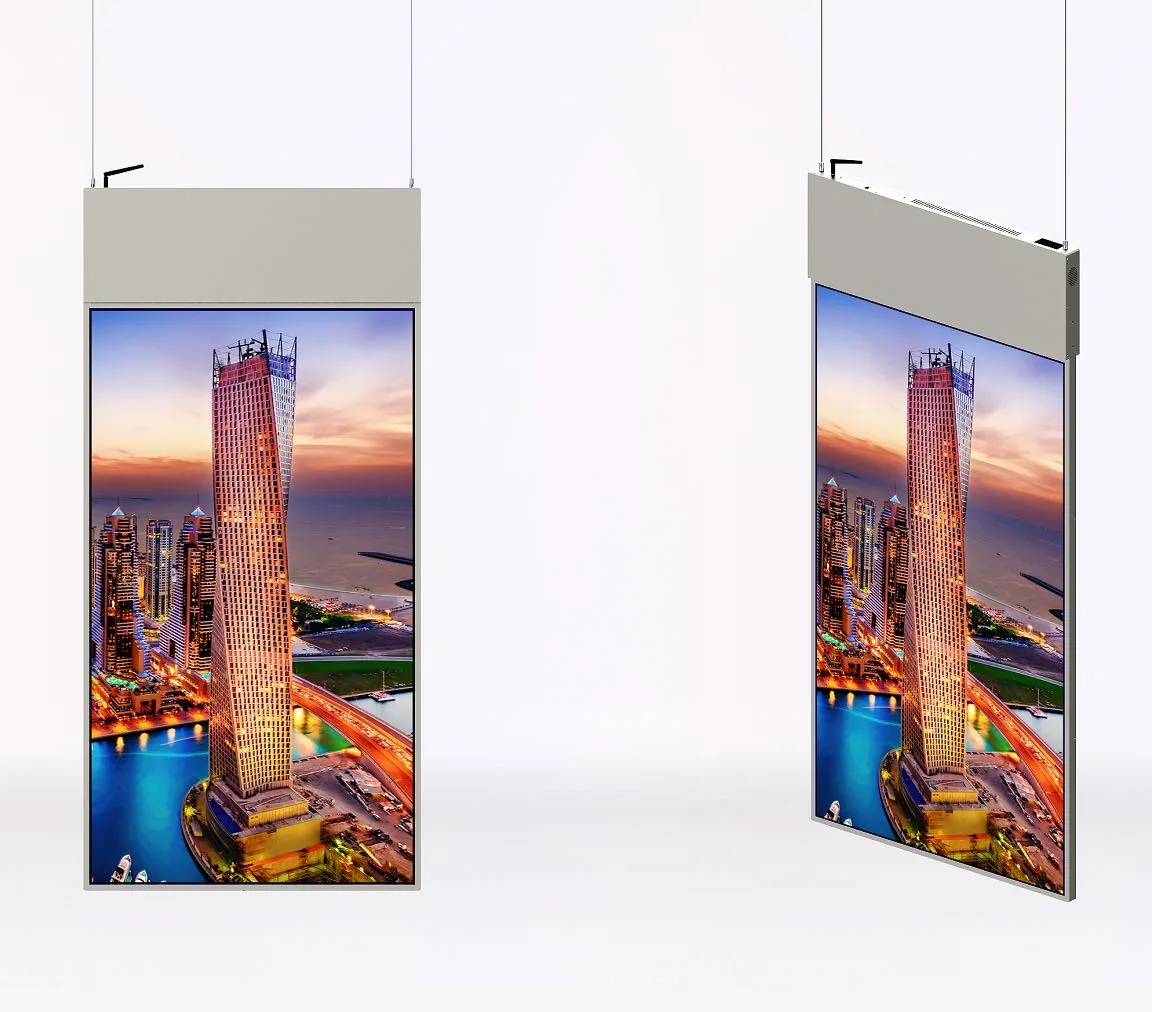
Double-sided hanging menu board
For glazed windows and passages; two viewing directions, suspended from the ceiling.
View familyFloor-standing family
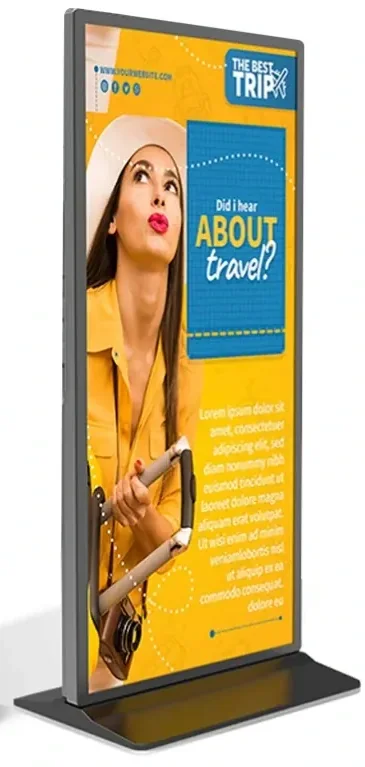
Floor-standing menu board
For sites without a usable wall or with moving/temporary positions; check base footprint and power.
View familyBrightness & position
Brightness and position
The most common menu-board failure is not size; it is a panel that does not match the light at the counter.
| Position | Typical brightness | What to check |
|---|---|---|
| Indoor, controlled light | 350–700 cd/m² | Back counter or interior wall; avoid spotlight reflections. |
| Bright store / window-adjacent | 500–700 cd/m² | White menu artwork can look grey; test it on site. |
| Sunlit window | 1,500–3,500 cd/m² | Consider a high-bright panel, thermal design and protection; do not over-drive an indoor panel. |
| Outdoor / semi-outdoor | 1,500–3,500 cd/m² | Confirm IP55/IP65, cooling and service access. |
Scroll horizontally to see all columns
Content layout
How to lay out the menu
The screen should help a customer find a category, price and combo in a few seconds — not display the entire printed menu.
Left: category and price
Use stable columns for category, item and price. Keep price fields separate so the whole artwork does not need rebuilding.
Centre: hero and combo
One or two hero items per screen. Use a photo and combo price to guide choice without competing with the price list.
Right: add-ons and prompts
Drinks, add-ons, collection or QR prompts. Keep legal and allergen text inside the safe area.
Playback
Network or USB playback
Use an Android player and CMS for multiple stores, daypart schedules or head-office updates. A USB/SD standalone board is simpler for a single site with no network and rare changes.
Read the network vs USB guideDeployment checklist
Pre-deployment checklist
- Ordering flow and customer standing position; whether the screen is blocked by the counter, lightbox or printed menu.
- Wall material, ceiling structure or floor space; power, network and service access.
- Menu canvas: 16:9 or portrait; safe area for price and allergen text.
- Content owner, price approver and update frequency; local fallback if the network fails.
Product families
Move from format to product family.
Frequently asked questions
Menu board questions buyers ask
What size menu board does a restaurant need?
43–55 inch is a common starting range, depending on viewing distance and text volume. A close counter may use 21.5–32 inch; a large store or long distance may need 65 inch. Test the real menu artwork at the actual distance.
What brightness does a menu board need?
Controlled indoor light usually needs 350–700 cd/m²; a bright or window-adjacent store may need 500–700 cd/m²; a sunlit window may need 1,500–3,500 cd/m². Measure the light at midday.
Can I use a TV instead of a commercial menu board?
Not recommended. Commercial menu boards are specified for continuous operation, brightness, thermal behaviour, player integration and mounting. A consumer TV usually does not match the store duty cycle or warranty terms.
How do I update menus across stores?
Use an Android player and CMS with store groups and daypart schedules. Keep a price approval step; for unstable networks, keep a USB or local cache fallback.
Can the menu board be portrait?
Yes, but confirm panel orientation, bracket and content layout. Portrait suits a product hero or collection screen; a full menu is usually easier to read in landscape.
Do you design the menu artwork?
We provide the display configuration and content-zone guidance, not advertising design or content operations. The final artwork can be produced by your design team or a local agency.
Get a configuration
Send the store layout and menu. Get a configuration.
Tell us the number of stores, counter position, update frequency and network availability. We will reply with format, size and playback options.
- Format matched to the store flow
- Brightness confirmed for the site light
- Playback and update workflow confirmed together