
Healthcare
Healthcare
Hospitals and clinics need clear wayfinding, queue status and waiting-area information. Displays must be quiet, reliable and easy to clean, and the content must be approved by the clinical or communications team before it goes live.
Last reviewed:
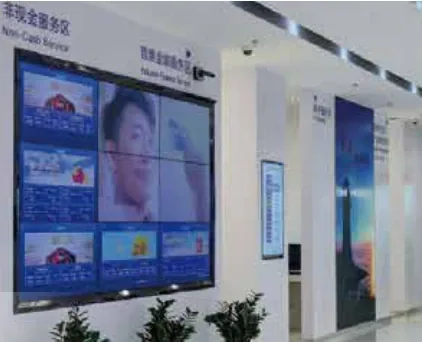
What the environment demands
Start with the constraints.
- Visitors arrive anxious and need wayfinding at every decision point, not one map at the entrance.
- Queue status and room calls must be accurate and readable from a distance.
- Waiting areas are quiet; bright, fast-moving content creates stress.
- Surfaces must be cleanable and the display must not add noise or maintenance burden.
How we configure it
Then fix the display configuration.
- Use wall-mounted or hanging displays for wayfinding and queue status, sized to the standing distance.
- Keep the playlist slow, with high-contrast text and a clear hierarchy.
- Integrate queue data from the hospital system where possible; otherwise use a manual operator console.
- Specify a lockable player enclosure and a cleaning procedure for the screen surface.
What a good deployment changes
What changes when the configuration is right.
Fewer people stop at the front desk to ask for directions.
Queue status is visible from the waiting area, not only at the counter.
Waiting-area content stays calm and readable.
The display is easy to clean and service without clinical disruption.
Recommended display types
Display families for this application
| Recommended family | Screen size | Brightness | Installation |
|---|---|---|---|
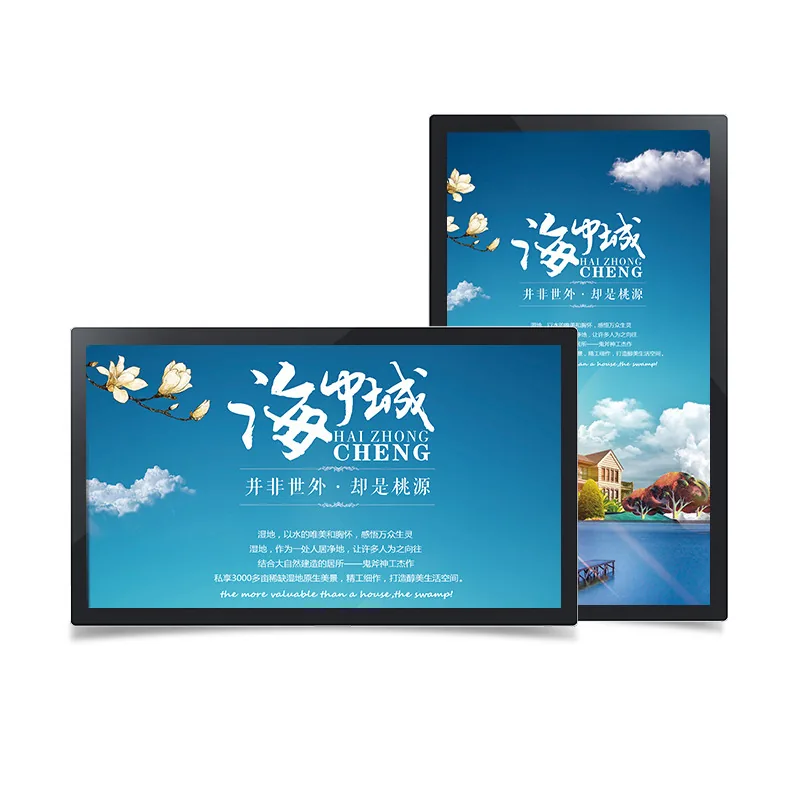
| Wall-Mounted Digital Signage | 21.5–65 inch | 250–700 cd/m² | Wall bracket / recess |
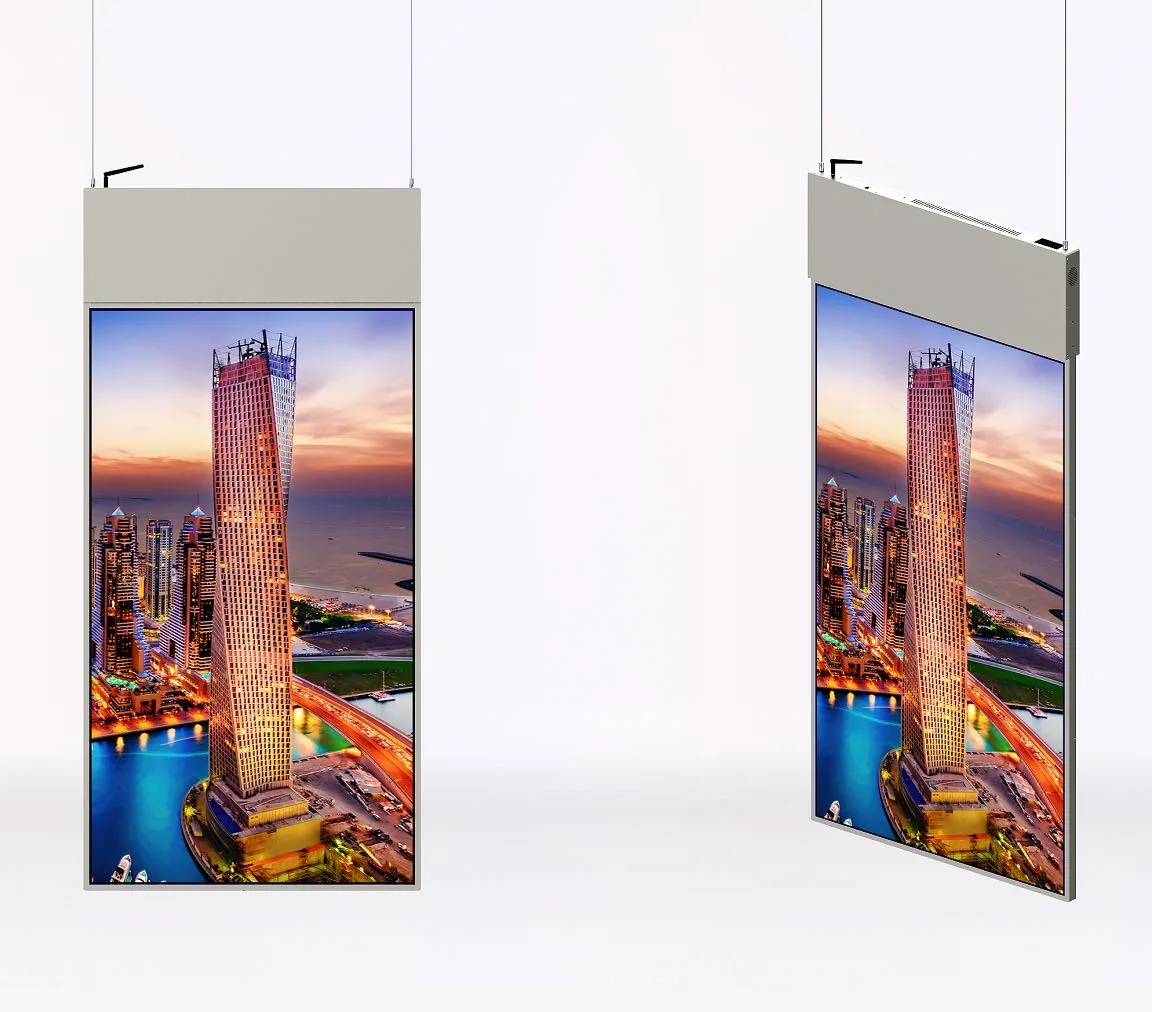
| Double-Sided Hanging Displays | 32–55 inch | 350+350 to 400/700 cd/m² | — |
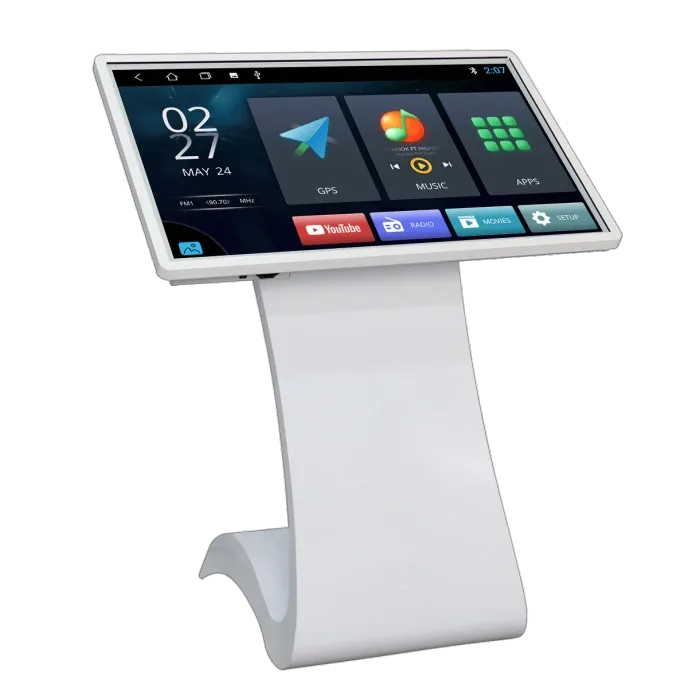
| Touch Kiosks & Self-Service Terminals | 21.5–65 inch | 250–700 cd/m² | — |
Site references
Typical views from this application.
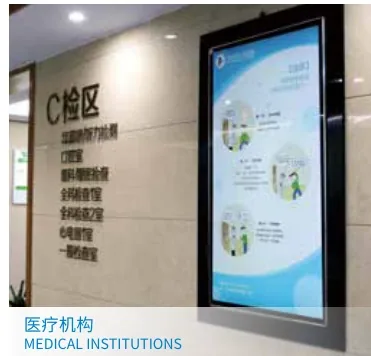

Frequently asked questions
Questions buyers ask about this application
Can the display show live queue numbers?
Yes, if the queue system provides a data feed or an operator console. The display itself does not generate queue numbers. Specify the queue system interface, the number of counters and the fallback procedure when the data feed fails.
Where should wayfinding screens be placed?
At decision points: the main entrance, lift lobbies, corridor junctions and waiting-area entrances. Place the screen at standing eye height and keep the map orientation consistent with the direction the visitor is facing. A screen that shows a map rotated 90 degrees causes more confusion than no screen.
What brightness suits a waiting area?
A 250–350 cd/m² panel is usually enough for a controlled waiting area. Avoid very high brightness in a dim room; it creates glare and fatigue. If the screen faces a window, choose a higher brightness and a matte surface, and test the reflection at the actual seating position.
How do we keep content clinically accurate?
Put the clinical or communications team in the approval loop. Separate evergreen wayfinding from time-sensitive notices, and keep a named owner for each content type. The display supplier configures the playback; it does not validate medical information.
Planning a site rollout?
Send the floor plan, mounting points and campaign schedule. We will turn them into a display list and content zones.