
Church & faith spaces
Church digital signage & announcement screens
A church screen is not decoration. It should tell visitors the service times, events and where to go before they enter the room. Choose wall, hanging or floor-standing formats by the installation surface, viewing distance and update routine.
- 43–65 inch is common for entrances, corridors and halls; 21.5–32 inch can suit a close announcement point.
- Indoor brightness is typically 350–700 cd/m²; a window-adjacent or outdoor entrance needs a separate brightness and protection review.
- Use Android + CMS for multiple venues or a fixed weekly schedule; USB standalone playback suits a single screen with no network.
- Keep content with one or two volunteers, using fixed templates and an approval step rather than rebuilding the screen each week.
Typical use
Six common uses in a church
Service times and welcome
Show Sunday services, meeting times and a welcome message at the entrance instead of printed notices.
Events and community notices
Publish camps, classes, volunteering and community service by week or month.
Room and floor wayfinding
Guide visitors through corridors, lift lobbies and Sunday-school areas.
Live stream and overflow room
Sync the main service to an overflow room; confirm the source and player input.
Giving and care information
Show giving methods, care requests and ministry information with privacy and approval controls.
Multilingual welcome
Display welcome and notices in community languages; allow for longer text in the layout.
Formats
Three common formats
Choose the format from the mounting surface and visitor flow; size, brightness and player are confirmed on the quotation.
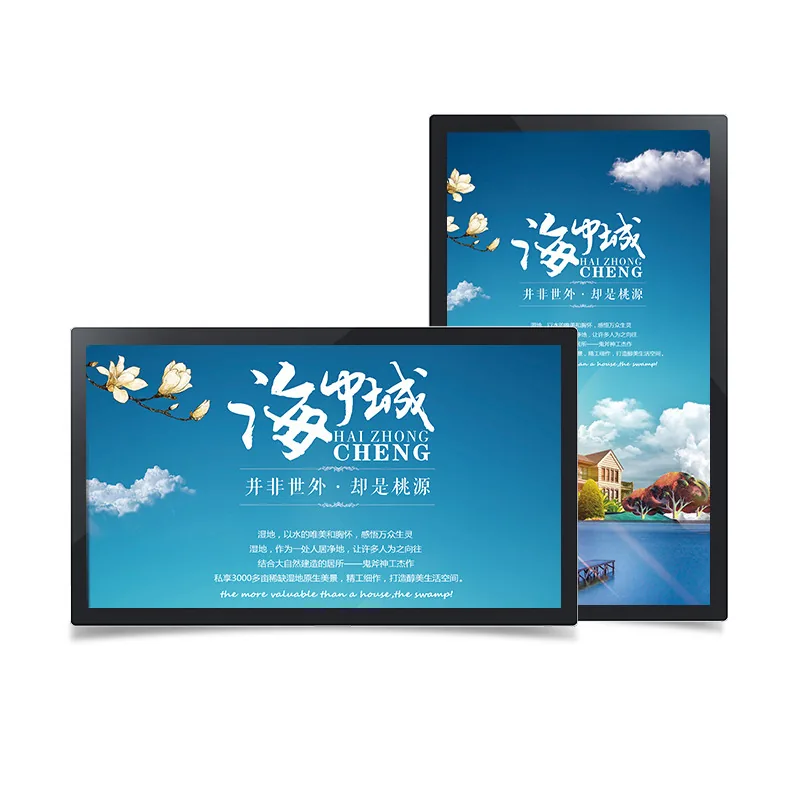
Wall-mounted announcement screen
Entrance, corridor and classroom walls; saves floor space.
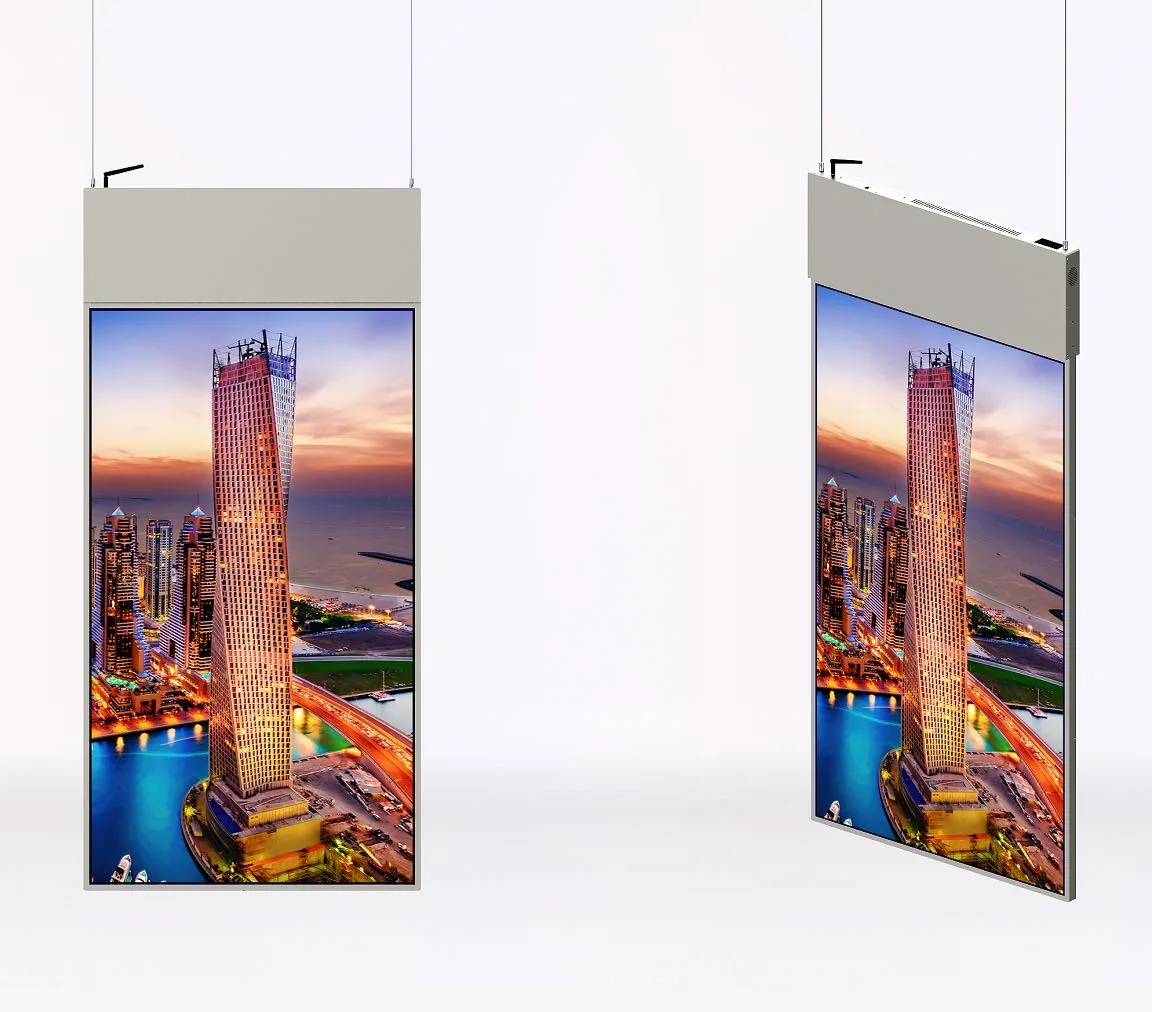
View familyDouble-sided hanging screen
Glazed entrance or foyer; two viewing directions, suspended from the ceiling.
View familyFloor-standing welcome screen
Lobby, check-in or temporary event; check base footprint and power.
View familyContent workflow
Who maintains the content
Most churches do not have a full-time IT team. A simple content routine matters more than extra features.
- Name one or two content owners and use fixed templates; update weekly or monthly.
- Keep an approval step for event and time changes; avoid several people editing the same screen.
- Use a CMS with venue groups for multiple sites; a single screen can use USB updates with an offline fallback.
- Separate welcome, events and wayfinding into fixed zones instead of rebuilding the whole screen.
Checklist
Before installation
- Viewing distance and wall/ceiling structure at the entrance, corridor or hall.
- Power, network and service access; whether the screen needs a lock or protection.
- Content owner, approver and update frequency.
- Whether live/overflow video is required; confirm the player input.
Product families
Move from format to product family.

Frequently asked questions
Church digital signage questions
What size screen does a church need?
43–55 inch is common at an entrance or hall; a larger main foyer may use 65 inch. A close corridor notice can use 21.5–32 inch. Confirm by viewing distance and text volume.
Can it run without internet?
Yes. A USB/SD standalone board runs without a network; Android or Windows players can cache content locally. Remote updates and monitoring need a connection.
Who creates the content?
Usually a volunteer or administrator. Use fixed templates, name an approver and update weekly or monthly to avoid conflicting edits.
Can we use a double-sided hanging screen?
Yes. A double-sided hanging display suits a glazed entrance or foyer, using the ceiling and serving two viewing directions. Confirm the ceiling structure, hanging kit and service access.
Can it show a live stream or overflow video?
That needs a separate review of the source, player input and screen position. A signage display and a video-wall/live system do not have the same input capability; state the requirement before quoting.
Get a configuration
Send the entrance and announcement requirements.
Tell us the installation position, viewing distance, content type and network availability. We will reply with format, size and playback options.