
Transport
Transportation & Public Spaces
Airports, stations and transit hubs need displays that are readable at a distance, reliable for long operating hours and manageable across many locations. Information and advertising often share the same surface, so the content hierarchy must be explicit.
Last reviewed:
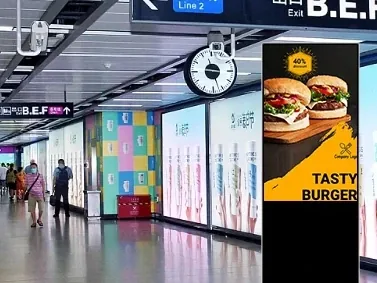
What the environment demands
Start with the constraints.
- Viewers are moving; the screen must be readable in seconds and from several metres.
- Operating hours are long and maintenance windows are short.
- Information and advertising compete for the same surface; the hierarchy must be controlled.
- Many locations need central monitoring and a consistent content standard.
How we configure it
Then fix the display configuration.
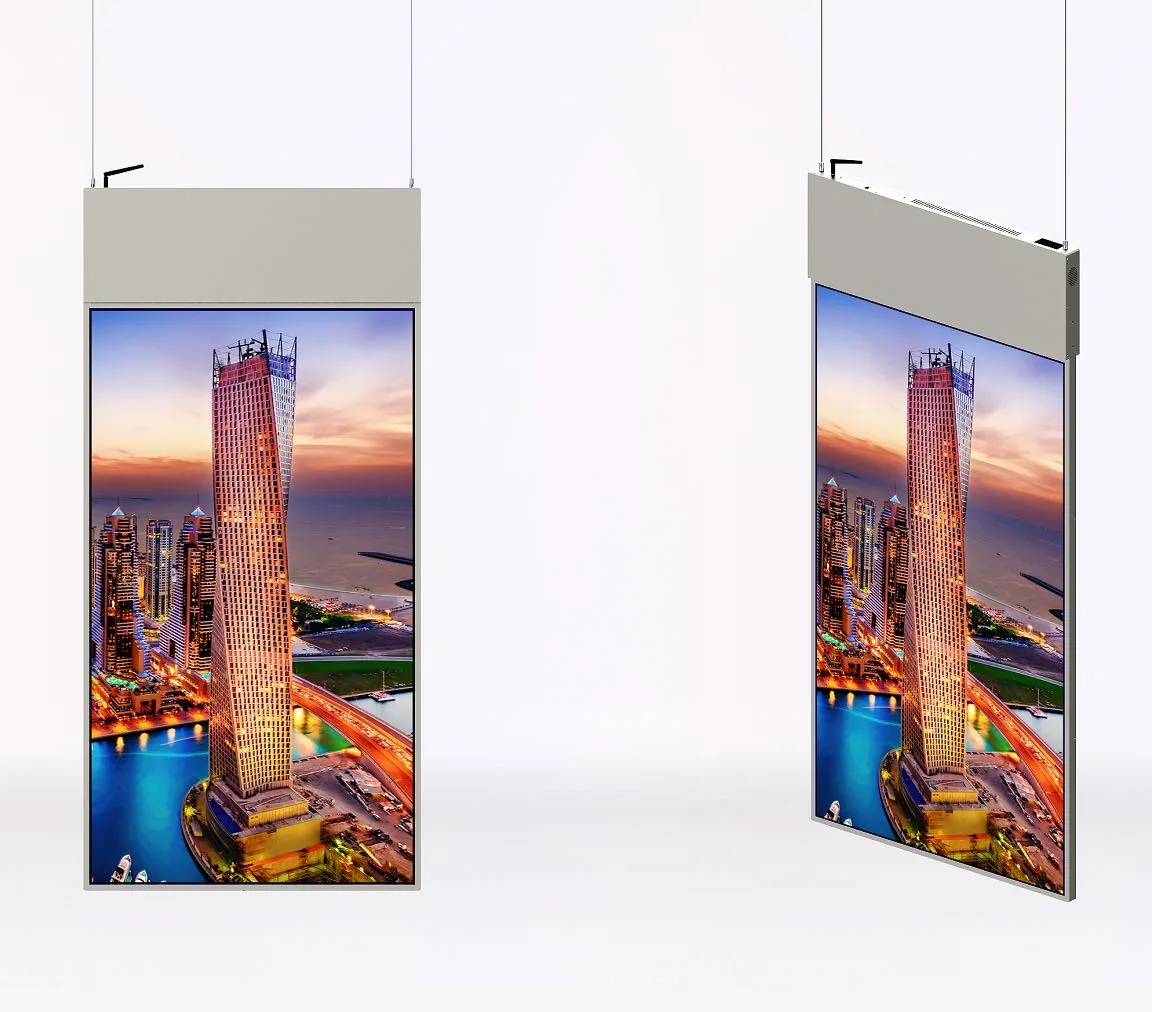
- Size the display for the viewing distance; use video walls or large hanging units for concourse-level information.
- Keep the information zone fixed and let advertising occupy a separate, clearly defined area.
- Specify commercial-grade panels and a player with remote monitoring and watchdog recovery.
- Plan the service route: front-access brackets for video walls, lowering systems for hanging units.
What a good deployment changes
What changes when the configuration is right.
Passengers find the information without stopping at a desk.
A failed player recovers automatically or is visible in the monitoring dashboard.
Advertising does not obscure the departure or platform information.
Content standards stay consistent across locations.
Recommended display types
Display families for this application
| Recommended family | Screen size | Brightness | Installation |
|---|---|---|---|
| LCD Video Walls | 46–55 inch | 500 / 700 cd/m² | — |
| Double-Sided Hanging Displays | 32–55 inch | 350+350 to 400/700 cd/m² | — |
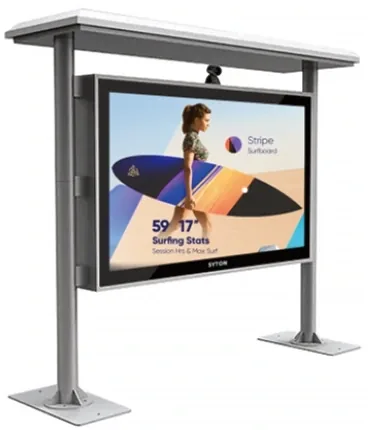
| Outdoor Digital Signage | 32–86 inch | 1,500–3,500 cd/m² (high-bright families) | — |
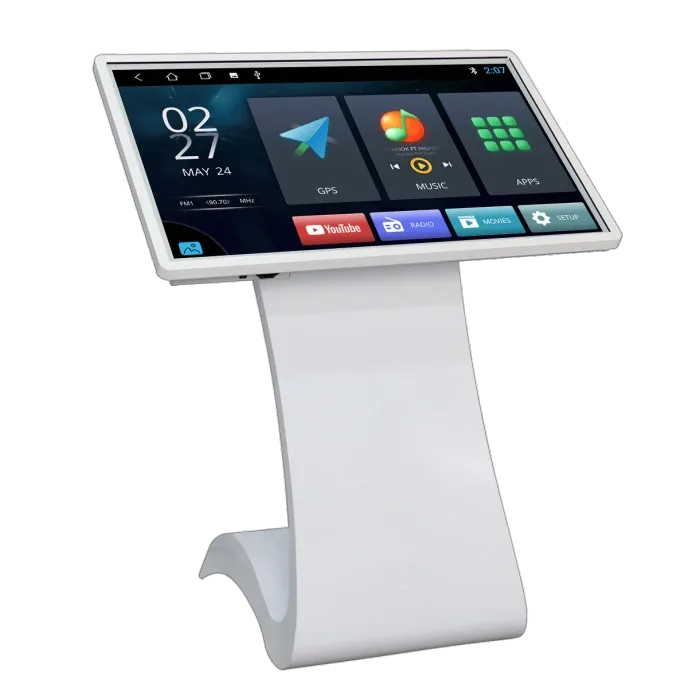
| Touch Kiosks & Self-Service Terminals | 21.5–65 inch | 250–700 cd/m² | — |

Site references
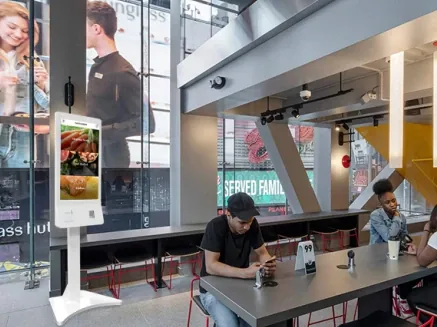
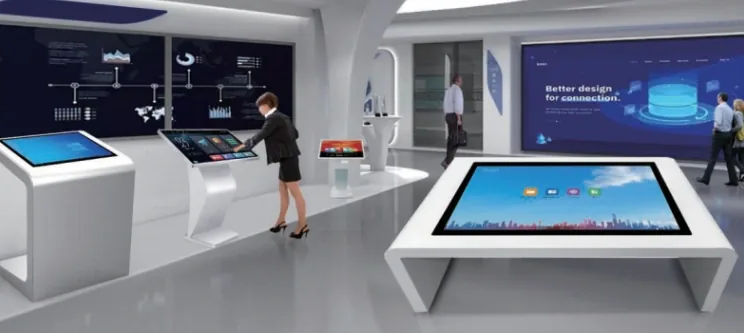
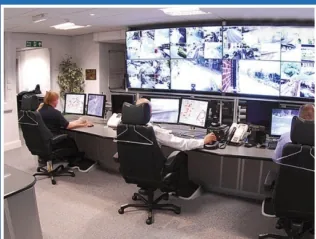
Typical views from this application.
Frequently asked questions
Questions buyers ask about this application
What display is used for departure information?
Concourse-level information usually uses a video wall or a large hanging display; platform-level information uses smaller wall-mounted or hanging units. The choice depends on viewing distance and the number of information columns, not only on screen size.
How do you keep advertising from covering information?
Define a fixed information zone and a separate advertising zone in the content template. Set a rule that advertising cannot enter the information zone, and enforce it in the CMS template rather than relying on operator discipline.
Can the displays be monitored centrally?
Yes, when the players are on a managed network and the CMS supports device status, screenshots and remote restart. Confirm the network segmentation and the escalation procedure for a failed screen at an unattended location.
What about outdoor platforms?
Use the outdoor family with an IP-rated enclosure, high-brightness panel and fan or air-conditioner cooling. Confirm the sun exposure, ambient temperature and power quality at the platform. A standard indoor panel in an outdoor kiosk will fail early.
Planning a site rollout?
Send the floor plan, mounting points and campaign schedule. We will turn them into a display list and content zones.