
Education
Education & Training
Classrooms, lecture theatres and training centres need a display that supports annotation, casting and video, at a size that every seat can read. Campus wayfinding and notice screens are a separate, simpler requirement.
Last reviewed:
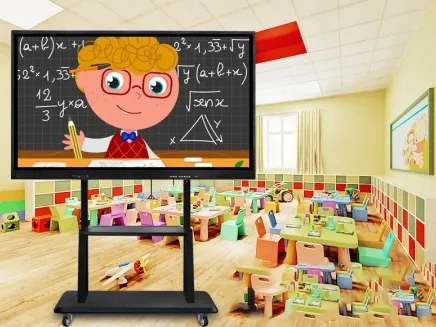
What the environment demands
Start with the constraints.
- The farthest seat must still read the smallest text on the panel.
- Teachers need annotation and casting without a long setup routine.
- Rooms are shared, so the panel must reset to a known state for the next class.
- Budgets are fixed; the display must last multiple cohorts and survive daily use.
How we configure it
Then fix the display configuration.
- Size the panel for the farthest seat; 65–86 inch for most classrooms and training rooms.
- Choose the touch technology after testing the whiteboard and annotation software.
- Specify a movable bracket for shared rooms, or a fixed wall mount for dedicated rooms.
- Keep a local admin account and a reset procedure for shared devices.
What a good deployment changes
What changes when the configuration is right.
Every seat can read the board without moving chairs.
Teachers start annotating in seconds, not minutes.
The next class starts from a clean, predictable state.
One panel replaces projector, screen and whiteboard.
Recommended display types
Display families for this application
| Recommended family | Screen size | Brightness | Installation |
|---|---|---|---|
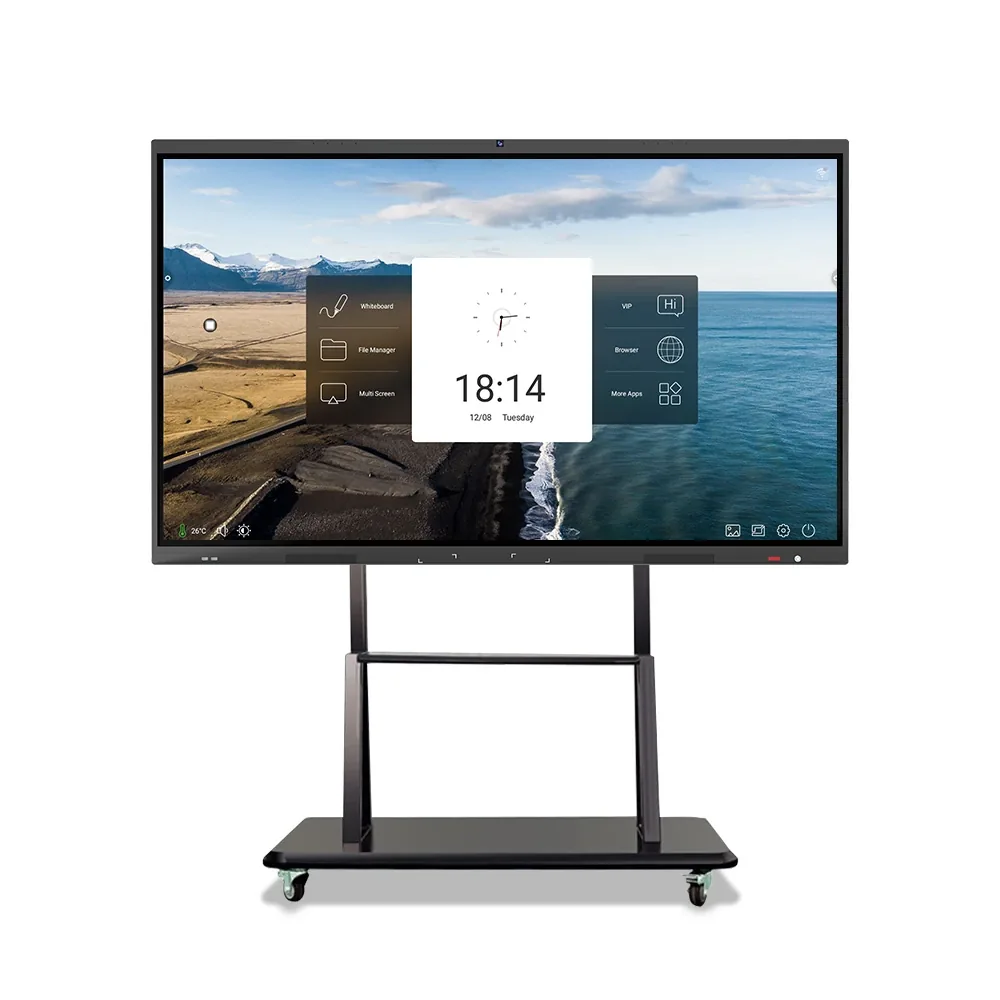
| Interactive Flat Panels | 55–86 inch | 350 cd/m² | — |
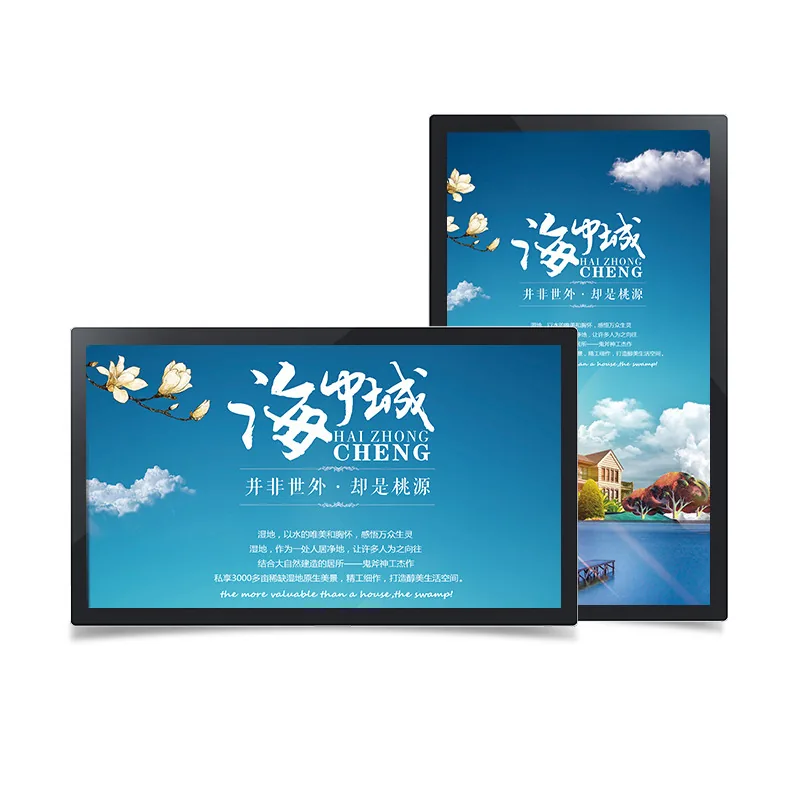
| Wall-Mounted Digital Signage | 21.5–65 inch | 250–700 cd/m² | Wall bracket / recess |
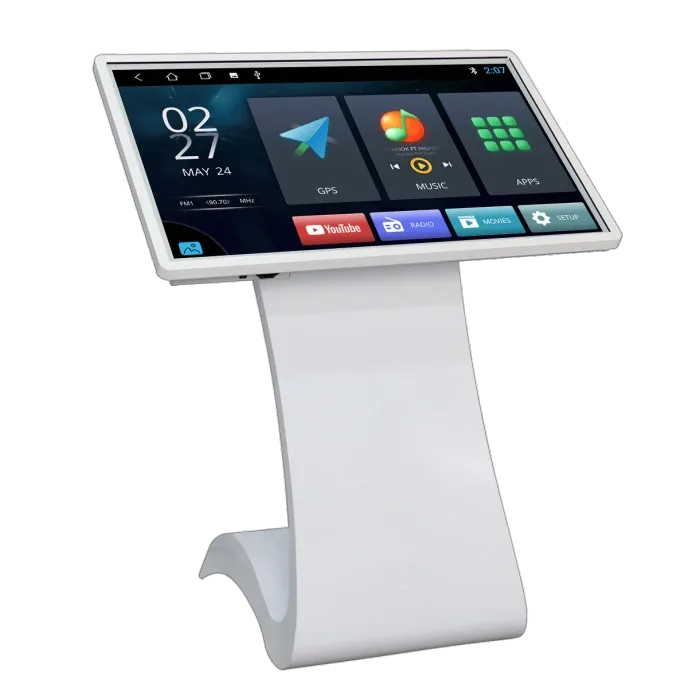
| Touch Kiosks & Self-Service Terminals | 21.5–65 inch | 250–700 cd/m² | — |
Site references
Typical views from this application.
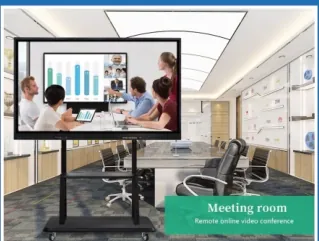
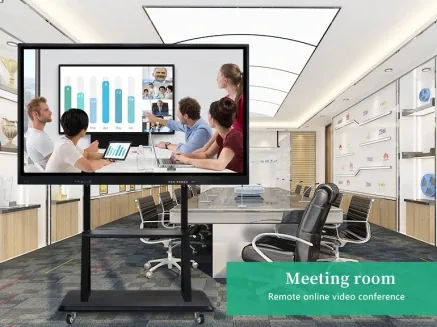
Frequently asked questions
Questions buyers ask about this application
What size panel for a classroom?
Use the farthest seat distance and the smallest text the class must read. As a rule of thumb, 65 inch suits a small classroom, 75 inch a standard classroom, and 86 inch a lecture or training room. Check the wall width, door width and ceiling height before ordering.
Is Android enough for a classroom?
Android is enough for built-in whiteboard, wireless casting and browser content. If the school runs Windows teaching software, subject-specific applications or local network tools, specify Windows or a dual-system panel. Confirm the software and licence cost before the purchase.
Can the panel be shared between rooms?
A movable bracket is available, but a large panel needs two people and a clear doorway. For daily sharing, a fixed panel in each room is simpler and safer. If sharing is unavoidable, define who moves it, where it is stored and how the height is set.
How do we keep shared panels clean?
Use a suitable screen cleaner and a soft cloth; avoid solvent cleaners on the touch surface. Set a daily reset that clears annotations and returns to the home screen. Keep a local admin account and document the reset procedure for substitute teachers.
Planning a site rollout?
Send the floor plan, mounting points and campaign schedule. We will turn them into a display list and content zones.