What a digital menu board actually is
A digital menu board is a commercial display system used to show menu items, prices, promotions and dietary information. It replaces printed boards and static light boxes, but the important difference is not the screen. The difference is that the menu can be scheduled, updated across sites and changed by daypart without reprinting.
That sounds simple until the board is installed above a counter. The viewing distance is short, the room is bright, the menu has many price points and staff need to change an item at 11:55 before lunch. A useful menu board specification starts from those operating conditions, not from a catalogue photo.
Choose the format before the screen size
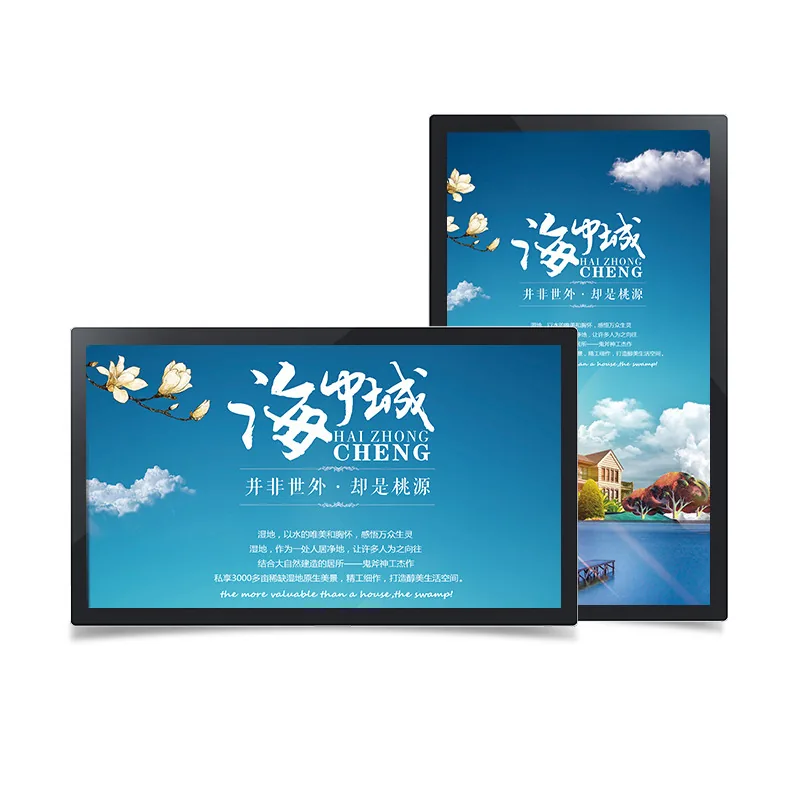
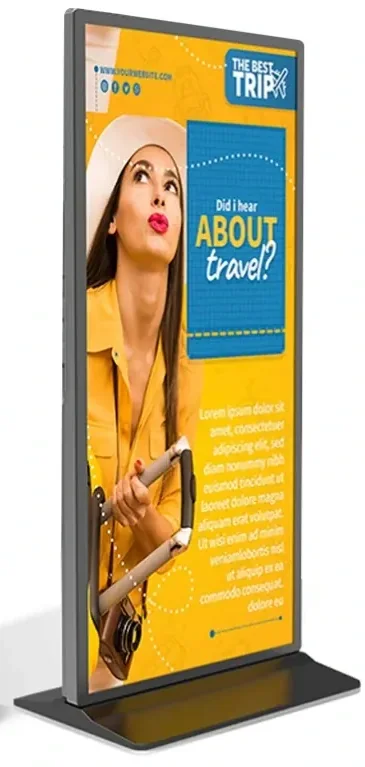
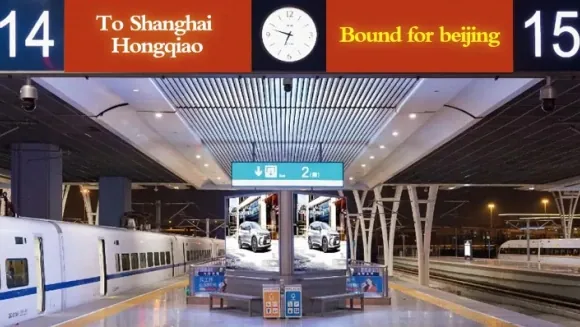
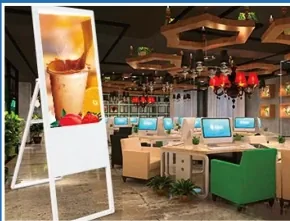
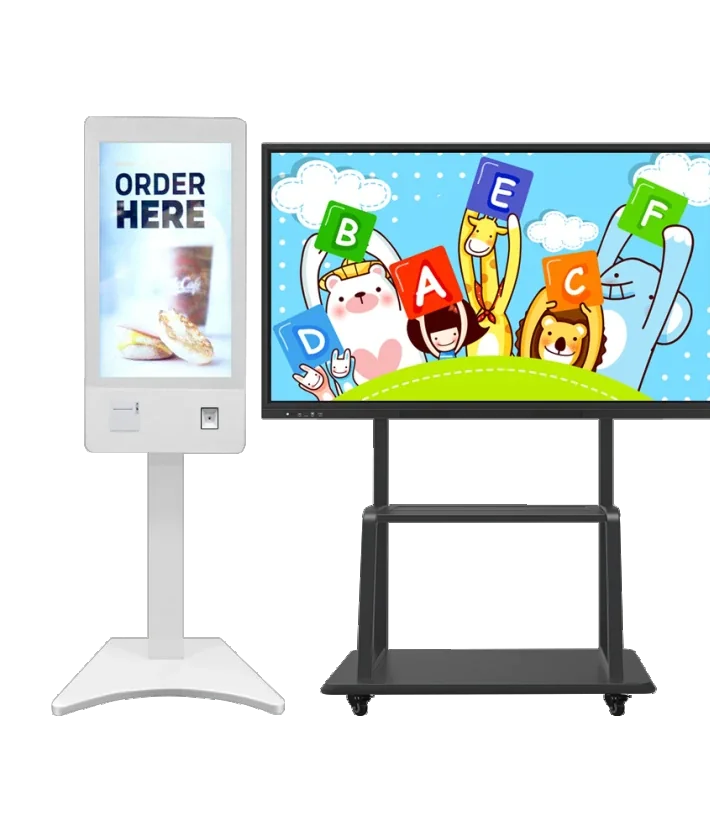
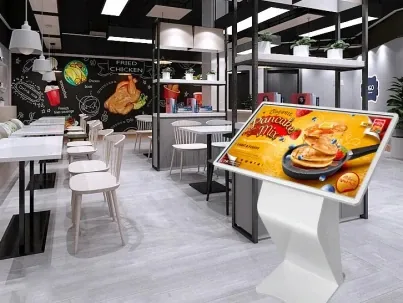
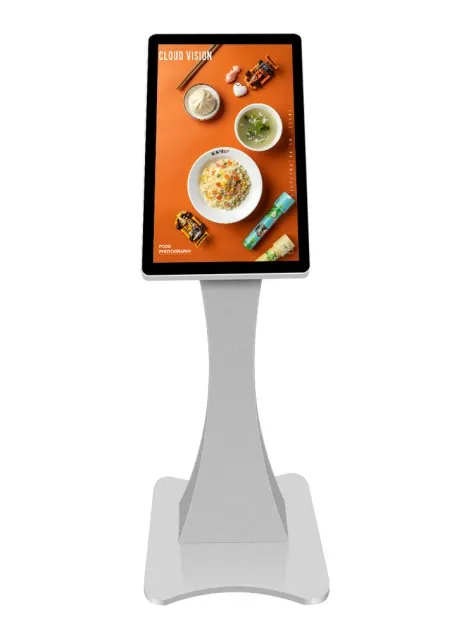
Menu boards are supplied as countertop displays, wall-mounted screens, floor-standing totems and drive-thru units. The format decides how many items can be shown, where the cables go and whether the board can be serviced without closing the counter. Compare formats before comparing diagonals.
| Format | Where it works | Check before quoting |
|---|---|---|
| Countertop | Cafés, takeaway counters | Counter depth and cable exit |
| Wall-mounted | QSR, bakery, bar | Wall load and menu height |
| Floor-standing | Malls, canteens | Floor space and stability |
| Drive-thru | QSR lanes | Sunlight, weather and speaker integration |
A wall-mounted board is usually the cheapest way to cover a queue, but it must sit above the customer sightline and below the ceiling services. A floor-standing unit is easier to move but takes up queue space. A drive-thru board needs a weather-rated enclosure and a brightness level that can handle low sun. The correct format is the one that fits the service flow.
Menu board design that survives the lunch rush
Design for the person at the back of the queue, not for the person editing the artwork on a large monitor. Use a small number of zones, keep item names and prices on the same line, and reserve a fixed area for sold-out or price-change messages. Motion should support the menu, not compete with it.
| Design check | Target | Why it matters |
|---|---|---|
| Text height | 30 mm per 1 m viewing distance | Readable at the queue |
| Menu zones | 3–5 zones | Scan order |
| Dayparts | Breakfast, lunch, dinner | One board, three layouts |
| Price legibility | Same size as item name | Avoids confusion |
| Contrast | 4.5:1 minimum | Readable under glare |
| Refresh | Static or slow motion | No distraction |
Avoid full-screen video behind the price list. A moving background forces the eye to work harder and makes small prices difficult to read. If video is required, confine it to a dedicated panel or a smaller zone. Test the layout on the actual screen at the actual distance; a design that looks clean on a laptop can collapse above a counter.
Hardware: size, brightness and player
For an indoor counter, 43–55 inch is a common starting range. A single board can cover a short menu; a two- or three-panel layout gives more space for categories and promotions. Brightness should match the light falling on the screen. A board facing a window or a bright façade needs a higher-brightness panel and anti-glare treatment, not just a brighter image setting.
The player can be built into the display or supplied as a separate box. Android is usually enough for scheduled menus and CMS publishing. Windows is relevant only when the menu is tied to desktop software or a legacy POS workflow. Ask how the board behaves when the network drops, and how staff can change a sold-out item without calling an integrator.
Content workflow: who changes the price at 11:55?
A menu board is an operating tool, not a one-off design deliverable. Decide who owns the menu, who approves a price change and how quickly a sold-out item can be hidden. For one shop, a local player and a simple template may be enough. For a chain, the CMS needs roles, scheduled publishing and a way to push a change to selected stores without rebuilding every screen.
Keep a master menu file with item names, prices, allergens and images. The CMS layout should pull from that structure rather than relying on manually typed text on every screen. This reduces the most common menu-board failure: the screen is online, but the price on it is from last week.
What drives digital menu board cost
The cost is a combination of screen size and grade, brightness, touch, player platform, enclosure, mounting, CMS licensing, installation and the number of sites. A single countertop screen is a different project from a three-panel drive-thru with a weather-rated enclosure and central publishing. Comparing only the panel price hides the parts that make the system work.
Ask for a quotation that separates display, player or CMS, mounting, packing and documents. For a multi-site rollout, ask for the per-site configuration and the spare-parts list separately. A clear cost structure is more useful than a single total because it shows what changes when the menu grows or a second site is added.
Installation, power and network checks
Before installation, confirm the mounting height, the power outlet, the cable route and the network drop. A menu board is often installed above a service counter where access is difficult; leave enough clearance for the player, cables and service. If the screen is recessed, check ventilation and heat build-up.
For drive-thru and outdoor menu boards, add weather protection, sun shading, condensation control and a service plan. For indoor boards, confirm that the screen can run in portrait or landscape and that the CMS layout matches the orientation. A board that is technically online but unreadable in the afternoon sun is still a failed installation.
From menu design to a model list
Send the counter photo, viewing distance, number of menu zones, daily hours, brightness conditions, player preference and destination country. Add whether the board is indoor, window-facing or drive-thru. With those facts, a supplier can propose a format, a screen range and a player platform, then list the exact models that fit.
Use the links below to compare menu-board formats, open a model drawing or send the inquiry. The goal is a board that is readable at the queue, easy for staff to update and specified clearly enough to quote, deliver and service.