What digital signage means in a commercial project
Digital signage is a commercial display system that shows scheduled or remotely managed content. It is not a television with a USB stick taped to the back. A working system combines a display panel, a player, content management software, a network connection and a mounting method. Each part has to be selected for the same installation.
The practical definition matters because buyers often compare only the panel. Two screens can share the same size and resolution but differ in brightness, panel grade, operating system, touch layer, enclosure and documentation. Those differences decide whether the screen survives a bright window, a dusty street or a five-year service contract. The display is the visible part; the player and CMS decide what it can do.
The parts of a working digital signage system
Every installation can be described with the same six-part checklist. If a quotation does not state these values for the exact model, the specification is incomplete. The table below is the minimum vocabulary to use with a supplier.
| Part | What it does | What to specify |
|---|---|---|
| Panel | Shows the image | Size, native resolution, brightness, contrast, panel grade |
| Player | Runs the content and schedule | CPU, RAM, storage, OS version, network interfaces |
| CMS / software | Publishes, schedules and monitors content | Cloud or local, user roles, offline behaviour, API |
| Mechanical | Holds the screen safely | Dimensions, weight, VESA or bracket, depth |
| Environment | Keeps the electronics inside limits | Operating temperature, humidity, IP rating if outdoor |
| Compliance | Supports import and tender review | CE / FCC / RoHS / ISO documents for the exact model |
Display formats: match the site before the screen
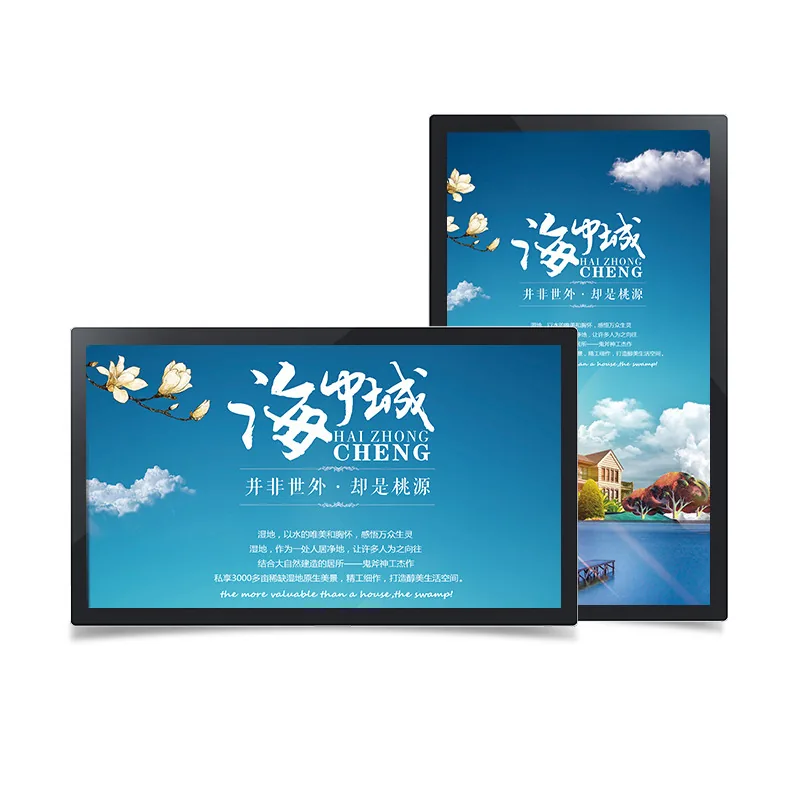
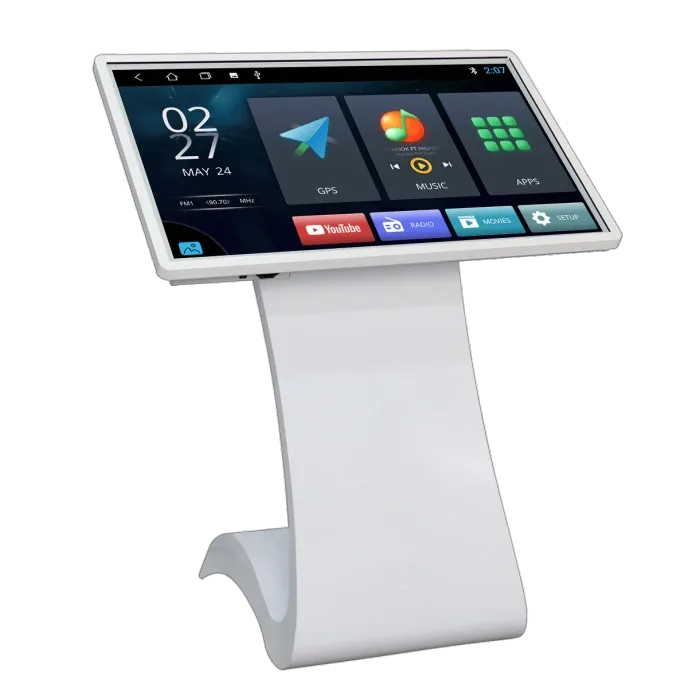
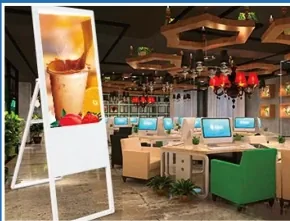
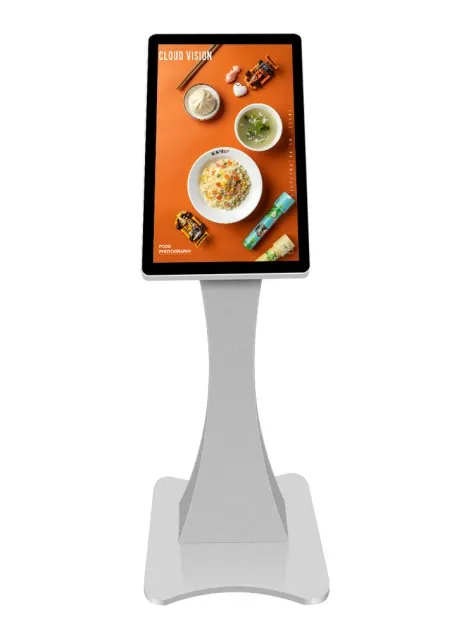
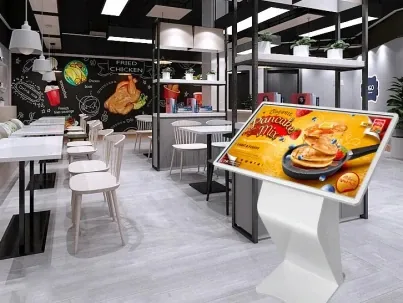
The same 55-inch panel can be supplied as a wall display, a floor-standing totem, a double-sided hanging unit, an outdoor cabinet or a touch kiosk. The format changes access, safety, cable routing, service clearance and the number of people who can see the screen. Start with the installation, not the diagonal.
- Wall-mounted: the default for retail walls, meeting rooms and recessed niches; check the wall structure and service access.
- Floor-standing: freestanding totems for entrances, showrooms and wayfinding; allow floor space and stability.
- Hanging: double-sided or ceiling-hung units for windows, aisles and high-traffic passages; the ceiling must carry the load.
- Outdoor: high-brightness panels with IP-rated enclosures, thermal control and anti-glare glass for direct sun.
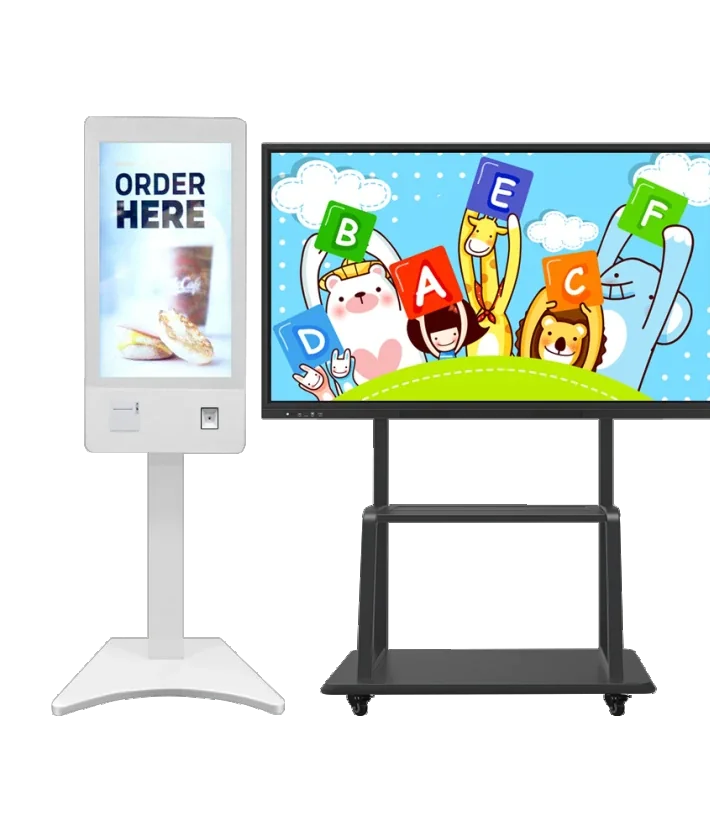
- Touch kiosk: self-service, wayfinding and queue management; specify capacitive or infrared touch and the kiosk height.
- Video wall and interactive flat panel: control rooms, lobbies, classrooms and meeting rooms; the player and bezel gap matter as much as the panel.
A useful rule is to test the real content at the real distance. A menu board viewed from two metres and a brand film viewed from eight metres need different text sizes, contrast and refresh behaviour. The format should make that test easy, not hide the screen behind a frame.
Digital signage software and CMS: where the content lives
The CMS is the tool that uploads media, builds playlists, schedules dayparts and checks whether each screen is online. It can run in the cloud, on a local server or inside the player itself. The player is the device that renders the content on the panel. Buyers often use the words software, CMS and player interchangeably; for a specification they should be separate line items.
| Platform | Best for | Limitations |
|---|---|---|
| Android | Scheduled media, CMS publishing, whiteboard, casting | Not for desktop software or native Windows drivers |
| Windows | Desktop applications, dashboards, legacy software | Higher cost, more update and security management |
| Dual system | Rooms that need both whiteboard and desktop tools | Higher cost, more complex boot and support |
| Standalone USB / SD | Offline sites with simple media loops | No remote monitoring, manual updates |
For a multi-site rollout, ask how content is published when the network is down, who can approve a playlist, and how a failed screen is diagnosed. For a single shop, a standalone player may be enough. The right answer depends on the number of sites, the update frequency and who operates the system after handover. A platform choice made only on hardware cost usually returns as a support problem.
What industries use digital signage?
Retail uses window displays, shelf-edge screens and promotional walls. Hospitality uses menu boards, front-desk displays and event screens. Corporate offices use lobby displays, meeting-room panels and internal communications. Education uses classroom displays, wayfinding and notice boards. Healthcare uses waiting-area information, queue systems and wayfinding. Transport uses departure boards, platform screens and passenger information. Outdoor advertising uses high-brightness street furniture and façades.
The industry label is less useful than the viewing task. A hospital queue screen and a restaurant menu board both need legible text at a short distance, but the hospital needs integration with a queue system and the restaurant needs daypart scheduling. Describe the task, the viewer and the environment; the product family follows from those three facts.
A seven-point display selection checklist
Use these checks before asking for a price. They turn a vague request into a configuration that a supplier can quote without guessing.
- Viewing distance and text size: test the actual layout at the real distance.
- Brightness and glare: match the panel to the light falling on the screen, not the room label.
- Indoor or outdoor: define IP rating, temperature range, cooling and condensation control.
- Touch or non-touch: capacitive for finger interaction, infrared for gloves or large formats, none for pure display.
- Player platform and CMS: Android, Windows, dual system or standalone; confirm who operates it.
- Mounting and service: wall structure, floor space, ceiling load, cable route and clearance.
- Documentation: model code, dimension drawing, compliance files and accessory list.
If two of these values are unknown, the quotation will either be padded or incomplete. Marking them for confirmation is better than filling them with a guess. A model list tied to the site conditions is the deliverable to ask for, not a generic catalogue page.
What drives digital signage cost
There is no single list price for digital signage because the same size can be built for very different environments. The main cost drivers are panel size and grade, brightness, touch technology, player platform, enclosure and IP protection, mounting, accessories, compliance documents and order quantity. A bright outdoor cabinet with thermal management costs more than an indoor wall display of the same diagonal, and a multi-site rollout adds configuration and logistics work.
A useful quotation separates the hardware, the player or CMS licence, the mounting accessories, the packing and the documents. That structure lets the buyer compare offers without hiding a missing item in a single total. It also makes it obvious whether the price includes the exact model, the approved sample and the spare-parts list.
From this article to a model list
The fastest route is to send five facts: installation photos, viewing distance, screen size or range, content type, and destination country. Add whether you need touch, a specific player platform and an outdoor IP rating. With those facts, a supplier can propose one or two families, list the exact models and mark the values that still need confirmation.
Use the links below to compare product families, open a specific model drawing, check an application page or send the inquiry. The goal is not to browse every model; it is to reach a short list that can be quoted, sampled and installed without another round of guessing.