What is the first decision when choosing a digital signage display?
Start with the installation position, not the screen size. A display is constrained by where it can be mounted, who looks at it, for how long and under what light. Those four facts decide the format, the brightness and the player long before the model number matters.
Write a one-page brief before asking for quotes: location (indoor, window, semi-outdoor or outdoor), mounting surface (wall, ceiling, floor), viewing distance, content type (menu, brand loop, wayfinding, advertising), network availability and who will update the content. A supplier can only quote accurately when these are known.
- Position: what can the building physically support?
- Viewer: standing, walking, seated, or in a vehicle?
- Light: controlled, bright retail, window glare or direct sun?
- Content owner: who publishes, approves and fixes errors?
What screen size do I need for the viewing distance?
For detailed content such as menus, schedules and wayfinding, allow roughly 1 inch of screen diagonal for every 2.5–3 cm (1–1.2 inch) of viewing distance. For brand and advertising content, where the viewer only needs the main message, the screen can be relatively smaller.
The table below is a starting point, not a rule. Check the actual wall width, the mounting height and the nearest viewer before fixing the size. A screen that is too large for a narrow corridor creates discomfort; a screen that is too small for a concourse is ignored.
| Viewing distance | Detailed content | Brand / advertising | Typical format |
|---|---|---|---|
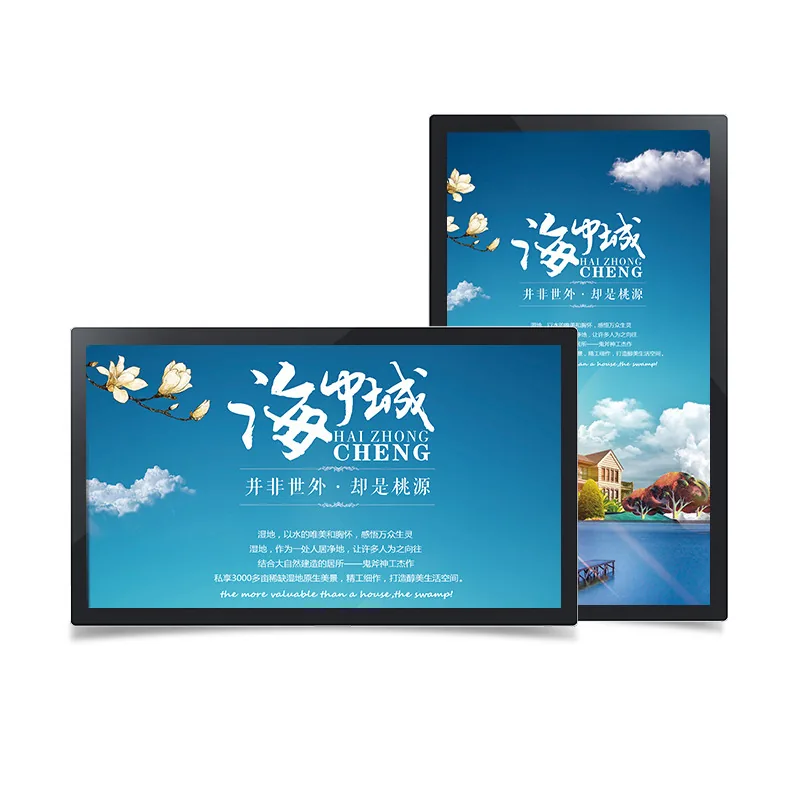
| 1–2 m | 32–43" | 21.5–32" | Wall-mounted, counter kiosk |
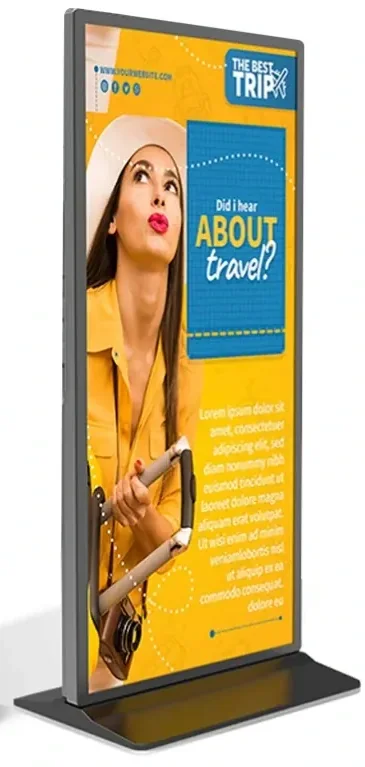
| 2–3 m | 43–55" | 32–43" | Wall-mounted, floor-standing |
| 3–5 m | 55–65" | 43–55" | Wall-mounted, hanging |
| 5–8 m | 65–86" | 55–75" | Video wall, large hanging |
| 8 m+ | Video wall | 75–86" | 2×2 or larger video wall |
How bright should the display be?
Brightness is measured in candelas per square metre (cd/m², often called nits). The correct value depends on the light falling on the screen, not on the room category. A white-on-white menu board needs more headroom than a dark brand video.
Do not solve a bright environment by turning an indoor panel to maximum brightness. That shortens backlight life and still looks washed out because the panel cannot overcome reflected light. Move to a high-brightness panel or an outdoor-rated enclosure when the reflected light is strong.
| Environment | Typical brightness | Note |
|---|---|---|
| Controlled indoor | 250–350 cd/m² | Lobbies, meeting rooms, waiting areas |
| Bright retail / window | 500–700 cd/m² | White campaign artwork needs headroom |
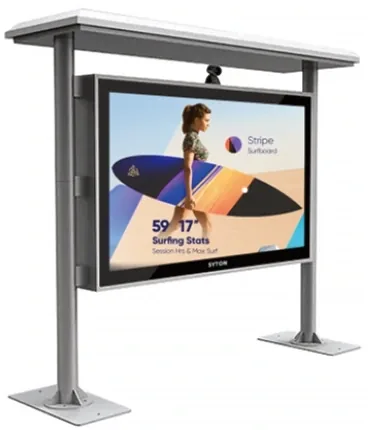
| Covered outdoor / semi-outdoor | 1,500–2,000 cd/m² | Shaded or north-facing positions |
| Direct-sun façade | 2,500–3,500 cd/m² | High-contrast panel and light sensor |
| Covered outdoor poster | 350–700 cd/m² | IP65 poster format, not direct sun |
Which player platform should I specify: Android, Windows or standalone?
The player decides what software can run and how content is updated. Android is the default for scheduled media, remote publishing and built-in whiteboards. Windows is needed when the site runs desktop software, drivers or a specific video-conference client. A standalone board is for sites with no network and a simple USB/SD update routine.
Do not choose the platform from a datasheet alone. Test the actual content source: a CMS export, a Windows application, a video file or a browser dashboard. The platform that runs the content without conversion is the platform to specify.
| Platform | Best for | Limitations |
|---|---|---|
| Android | Scheduled media, CMS publishing, whiteboard, casting | Not for desktop software or native Windows drivers |
| Windows | Desktop applications, dashboards, legacy software | Higher cost, more update and security management |
| Dual system | Rooms that need both whiteboard and desktop tools | Higher cost, more complex boot and support |
| Standalone USB / SD | Offline sites with simple media loops | No remote monitoring, manual updates |
Do I need a touch layer?
Touch adds cost, thickness and a USB connection. Add it only when the audience must interact: wayfinding, self-service, product browsing, annotation or table presentations. A pure advertising loop does not need touch.
IR touch is robust and works with a glove or stylus; it is common in classrooms and industrial settings. PCAP touch feels smoother and supports multi-finger gestures; it is common in retail, wayfinding and meeting rooms. Test the software and the operating environment before choosing.
What should the specification sheet include?
A usable specification sheet states the model, panel size, native resolution, brightness, contrast, viewing angle, player platform, memory and storage, interfaces, operating temperature, power consumption, mounting method and compliance documents. If a value is missing, mark it as “to be confirmed” rather than filling it with a guess.
Send the specification sheet back with the quotation and ask the supplier to confirm every line that differs. This avoids the common situation where the quote says one model and the delivered unit has a different panel batch or player board.
| Section | What to confirm |
|---|---|
| Panel | Size, native resolution, brightness, contrast, panel grade |
| Player | CPU, RAM, storage, OS version, network interfaces |
| Touch | Technology, points, accuracy, glass hardness |
| Mechanical | Dimensions, weight, VESA or bracket, depth |
| Environment | Operating temperature, humidity, IP rating if outdoor |
| Compliance | CE / FCC / RoHS / ISO documents for the exact model |
| Service | Warranty terms, spare parts, firmware update method |
What costs are easy to miss?
The screen price is only one line. Mounting brackets, recess frames, power points, network cabling, installation labour, content design, CMS licences, spare players and annual maintenance all add to the project. A cheap screen that needs a custom frame and a site visit may cost more than a slightly more expensive unit with a standard bracket.
Ask for a line-item quotation that separates display, player, mounting, CMS and installation. Then compare the total delivered cost for the same scope, not the screen price alone.
How do I compare two digital signage quotes?
Normalise the quotes before comparing. Use the same screen size, resolution, brightness, player platform, touch option, mounting method and warranty. If one quote includes a CMS and the other does not, add the missing line to both.
Then compare the evidence: does the datasheet state the panel grade and the player model? Are the compliance documents for the exact model? Is the mounting bracket included? Who handles a dead panel in year two? The quote with clearer evidence is usually the lower-risk choice, even if it is not the lowest price.
- Same model and panel batch confirmed in writing.
- Player, memory and OS version stated explicitly.
- Mounting, cabling and installation included or excluded clearly.
- Warranty, spare parts and firmware support stated.