Why there is no single price for digital signage
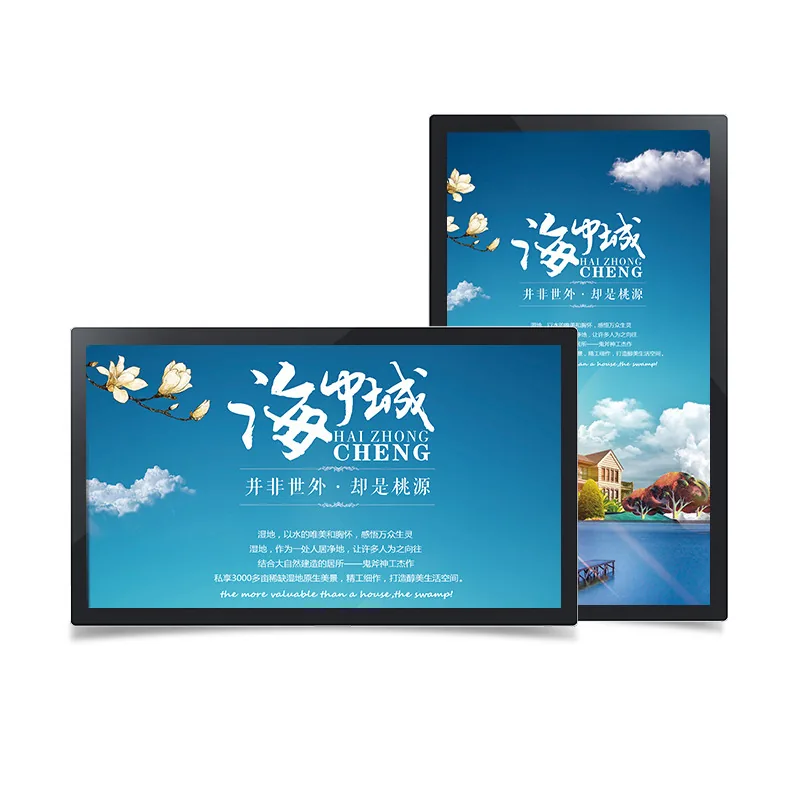
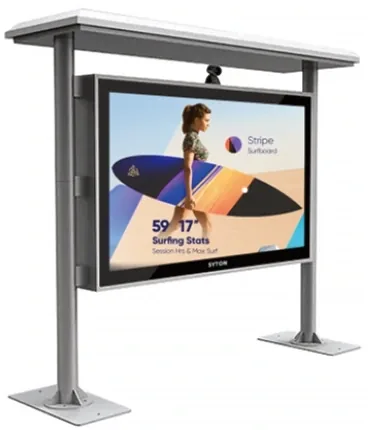
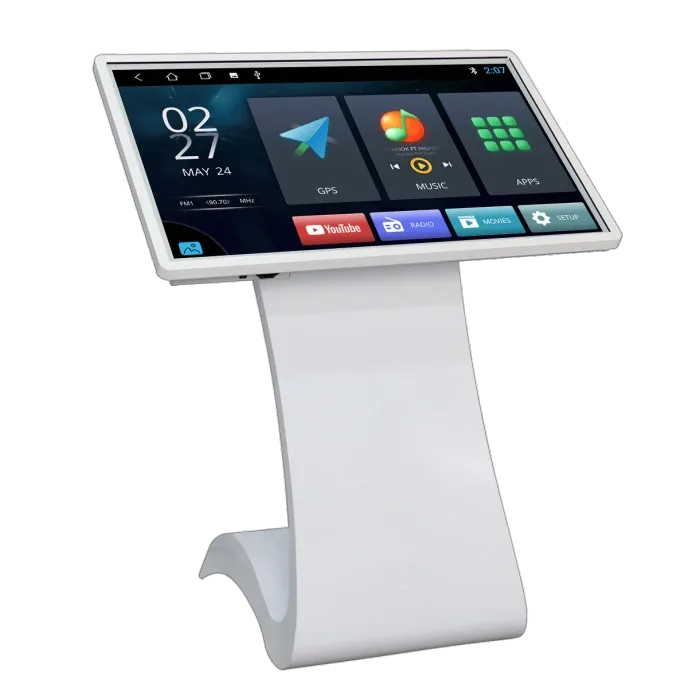
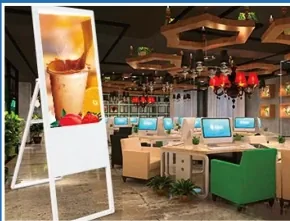
A 55-inch indoor wall display, a 55-inch outdoor cabinet and a 55-inch touch kiosk can share a diagonal and still be completely different products. The panel grade, brightness, touch layer, player, enclosure, mounting and documentation change the cost. A price per screen without a model and configuration is not a comparable number.
The practical way to compare is to fix the brief first: installation environment, screen size, brightness, touch requirement, player platform, quantity and destination country. Then compare quotes line by line. Two offers that look close on the total can differ in the panel grade, the CMS licence or the mounting hardware.
The cost structure of a digital signage project
A clear quotation separates the parts that can change independently. Use the table below as a checklist when you receive an offer. If a line is missing, ask whether it is included or excluded rather than assuming.
| Cost line | What changes it | Question to ask |
|---|---|---|
| Display panel | Size, grade, brightness | Which model and panel grade? |
| Player and CMS | Android, Windows, licence, seats | What is included and renewable? |
| Touch layer | Capacitive, infrared, size | Which technology and glass? |
| Enclosure and mounting | Indoor, outdoor, IP, custom | Drawing and finish? |
| Installation | Site access, height, power | Who installs and commissions? |
| Documents and packing | Compliance, export packing | Which model documents? |
| Rollout | Number of sites, spares | Per-site price and spare list? |
This structure also protects the buyer after delivery. If the panel and the player are separate lines, a replacement or upgrade can be quoted without replacing the whole system. If the CMS is a separate line, the renewal cost is visible instead of appearing later as a surprise.
Display size and panel grade
Size is the most visible cost driver, but panel grade matters just as much. A commercial panel specified for continuous operation, portrait orientation and higher brightness costs more than a consumer television of the same size. The difference is not only the picture; it is the thermal design, the duty cycle and the service parts.
Do not compare a commercial 500 cd/m² panel with a television that claims a peak brightness in a different measurement condition. Ask for the model code, the brightness value and the intended operating environment. If the screen faces a window, confirm the reflection treatment as well as the brightness.
Brightness, IP rating and outdoor engineering
An outdoor model is not an indoor screen with a roof. It adds a sealed or ventilated enclosure, higher brightness, thermal management, anti-glare glass and condensation control. Those parts drive cost because they are what keeps the display readable and alive through heat, rain and dust.
For a covered outdoor position, a fan-cooled IP55 cabinet may be enough. For direct sun, a higher-brightness panel and air-conditioned cabinet may be required. Specify the sun exposure, the highest ambient temperature and the service access before comparing prices; otherwise the cheaper quote may simply exclude the thermal engineering.
Touch, player and software costs
A touch layer adds glass, a sensor and a controller, and the cost rises with size and technology. Capacitive touch is common indoors; infrared can suit large formats, gloves and outdoor enclosures. Specify the touch points, the glass hardness and the expected user behavior, not just the word touch.
The player can be built in or external. Android is usually enough for scheduled media and CMS publishing; Windows adds cost and management when desktop software is required. CMS licences may be included, annual or per screen. Ask what happens after the first year and whether the screen can run locally if the subscription stops.
Mounting, installation and accessories
Mounting is often underestimated. A wall display needs a suitable wall structure, the correct bracket and a cable route. A floor-standing unit needs stability and floor space. A hanging display needs a structural ceiling. An outdoor cabinet needs a foundation, drainage and safe service access. These are project costs, not accessories.
Ask who installs, who commissions the CMS and who trains the staff. A quote that includes hardware but excludes installation can look cheaper until the local contractor invoice arrives. For multi-site rollouts, ask for a standard installation checklist so every site is delivered to the same standard.
Rollout, spares and lifecycle cost
The purchase price is only the start. A rollout adds configuration, shipping, customs, installation, content migration and training. Over five years, the larger costs can be power, CMS subscription, connectivity, spare parts and service visits. A slightly more expensive panel with better service access may be cheaper to own.
Ask for the spare-parts list, the warranty terms and the firmware update method before the order. For a chain, standardise the model and the CMS template so a spare screen can be swapped between sites. Standardisation usually saves more than a small discount on a mixed order.
How to compare digital signage quotes
Put every offer into the same table. If one supplier quotes a family and another quotes an exact model, the numbers are not comparable. The table below is the minimum set of fields for a like-for-like comparison.
| Item | Must be stated | Why it matters |
|---|---|---|
| Model code | Exact model, not family | Avoid substitution |
| Panel | Size, brightness, resolution | Compare like for like |
| Player | OS, RAM, storage | Support and app fit |
| Touch | Technology, points, glass | User experience |
| Mounting | Drawing, VESA, finish | Installation risk |
| Documents | CE / FCC / RoHS for model | Import and tender |
| Commercial | MOQ, lead time, warranty | Total cost |
The cheapest line is not always the cheapest project. A quote with a clear model, a documented panel and an installation plan is easier to defend internally and less likely to need a second purchase. Use the links below to open the supplier page, compare a model or send the site details for a line-item quotation.