
Retail deployment blueprint
Retail chain: window, in-store and shelf-edge rollout
A representative 12-store rollout combining a bright window display, two in-store promotion screens and four shelf-edge strips per store, published from one campaign schedule.
- 84
- screen units
- 3
- display models
- 4
- deployment stages
Deployment blueprints are representative configurations. Final bills of materials depend on a site survey, power availability and the content management platform you choose.

Project scope
What this blueprint covers.
- 12 stores, each with one window-facing 55-inch display, two 43-inch in-store screens and four 1920×540 shelf-edge strips.
- One campaign schedule, with store groups for flagship, mall and high-street formats.
- Window screens specified for 2,500–3,500 cd/m²; in-store screens at 350–700 cd/m².
- A pilot store is commissioned first, then the remaining stores follow the same checklist.
Typical equipment mix
Typical equipment mix.
| Model | Quantity | Role in the deployment |
|---|---|---|
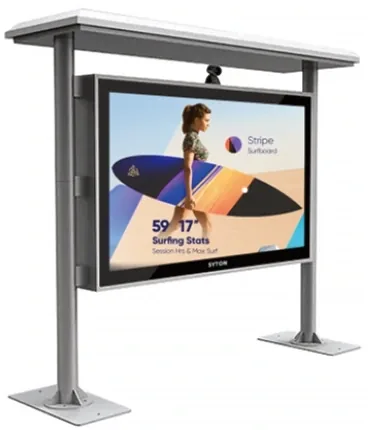
| SD-G550W | 12 | 55-inch high-brightness window display |
| SD-G430C | 24 | 43-inch in-store promotion display |
| SD-L750T | 48 | 1920×540 shelf-edge stretched bar |
| Android + CMS | 12 | Store-level playback and campaign scheduling |
Content and operations workflow
How content and operations run.
- 01
Campaign team approves artwork and a price list per store group.
- 02
Content is built at the native canvas of each format: 16:9 for the window and in-store screens, 1920×540 for the shelf strips.
- 03
The CMS publishes to a pilot store; the store team confirms readability at the actual counter and window.
- 04
Remaining stores are published in batches; a weekly report lists offline players and missed updates.
Commissioning checklist
Checked item by item before handover.
- Measure window light at midday and confirm the panel brightness is adequate.
- Confirm power, network and service access at every screen position.
- Check that price and legal text sit inside the content safe area.
- Verify that a player can be replaced without removing the display.
- Record the CMS account owner and the escalation contact for each store group.
Site references
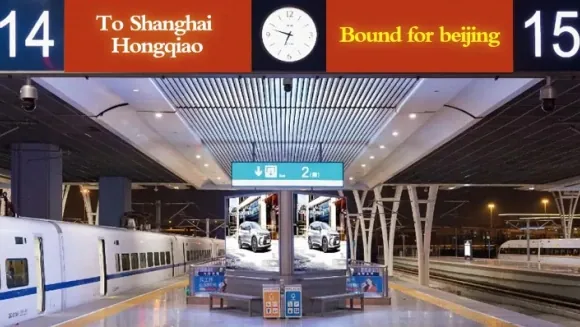
Typical views from this deployment type.
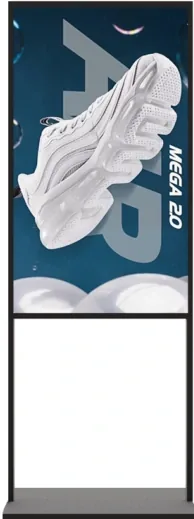
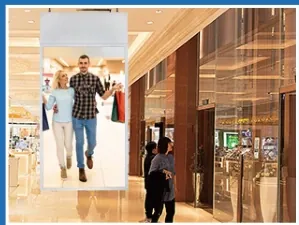
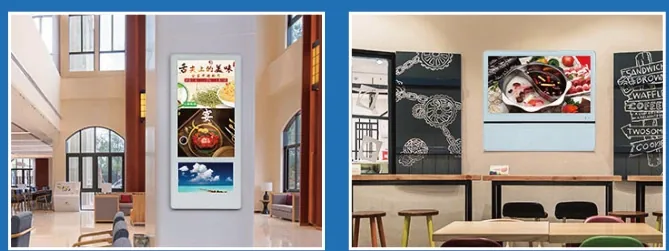
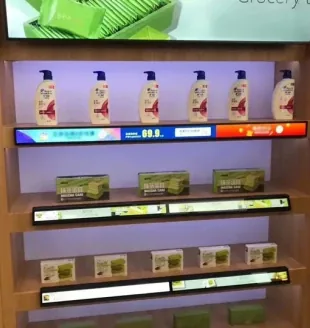
Displays used in this blueprint
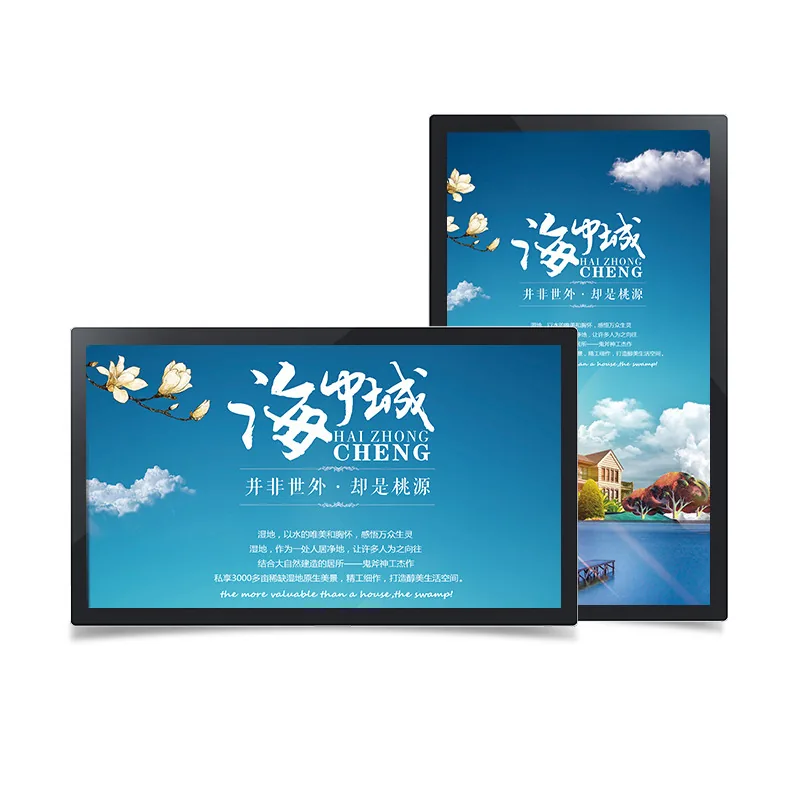
Display families used in this blueprint.
Frequently asked questions
Questions buyers ask before this type of rollout
Why use a high-brightness outdoor model in a window?
A sunlit window can receive more light than a shaded outdoor position. A 2,500–3,500 cd/m² panel keeps white campaign artwork readable; a 350 cd/m² indoor panel will look grey. Confirm the window orientation and the hours of direct sun before specifying the model.
Can the shelf strips show different prices per store?
Yes, if the CMS supports store groups and per-store overrides. The campaign artwork is shared, while price and availability fields are set per store. Keep an approval step for price changes so an outdated price is not published.
What network does each store need?
A stable broadband link for remote publishing, with a local USB or SD fallback for outages. The player should cache the current campaign and resume playback after a reboot. Confirm the store’s firewall policy before installing the player.
How long does a 12-store rollout take?
The schedule depends on site readiness, content approval and installation access, not only on production. A pilot store is commissioned first; the remaining stores follow in batches once the pilot checklist is signed off. The quotation states the production lead time separately from the installation schedule.
Have a similar site?
Send photos, dimensions and power locations. We will map the display positions and propose a bill of materials.